
Widgenta widget placement on Tilda
There are two accommodation options:
Placing the Widgenta widget on all pages of the Tilda website
After creating, customizing and saving the widget, you have the code available for posting on your site.
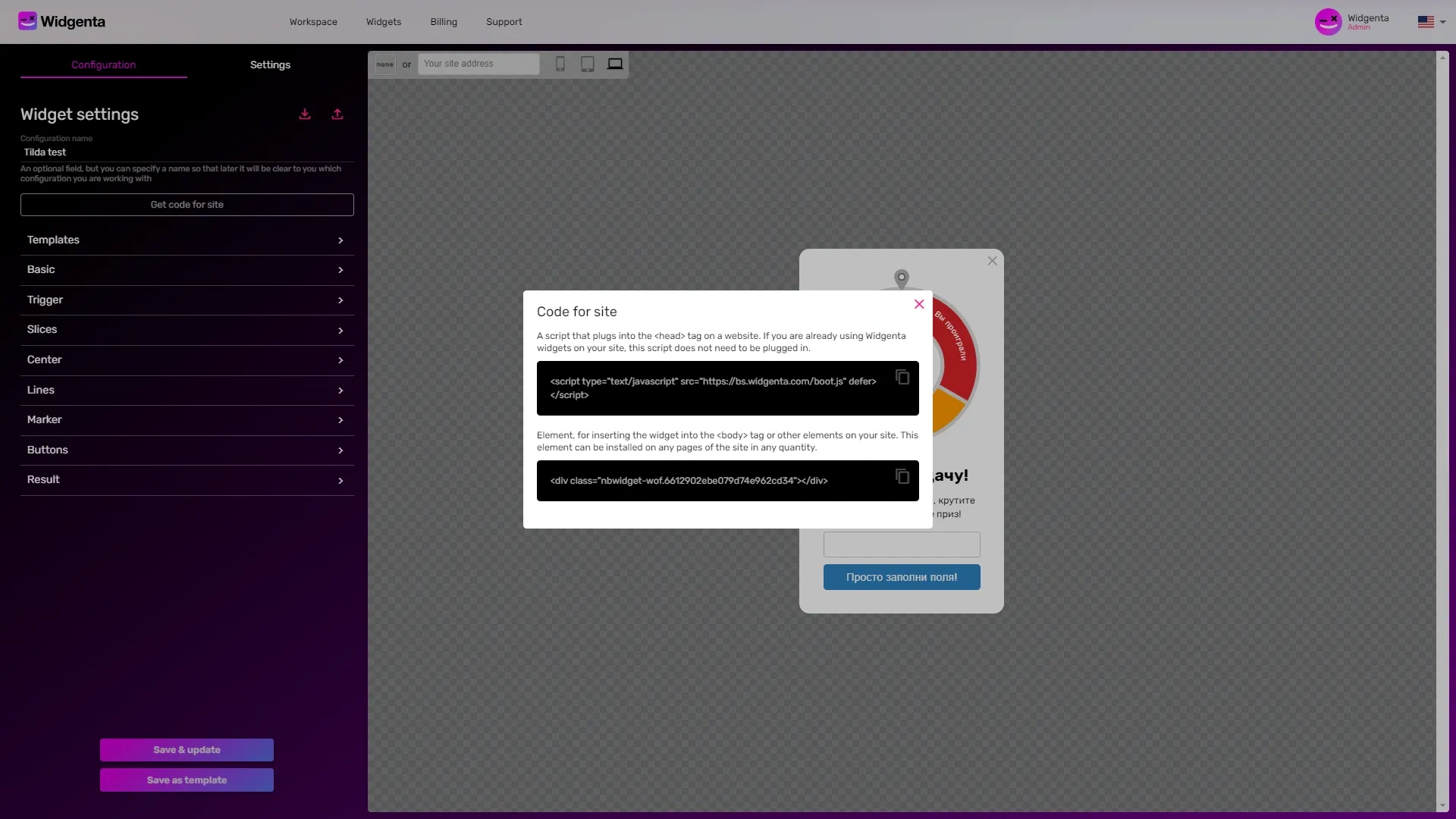
Copy the first code for <head> and go into the Tilda project settings.
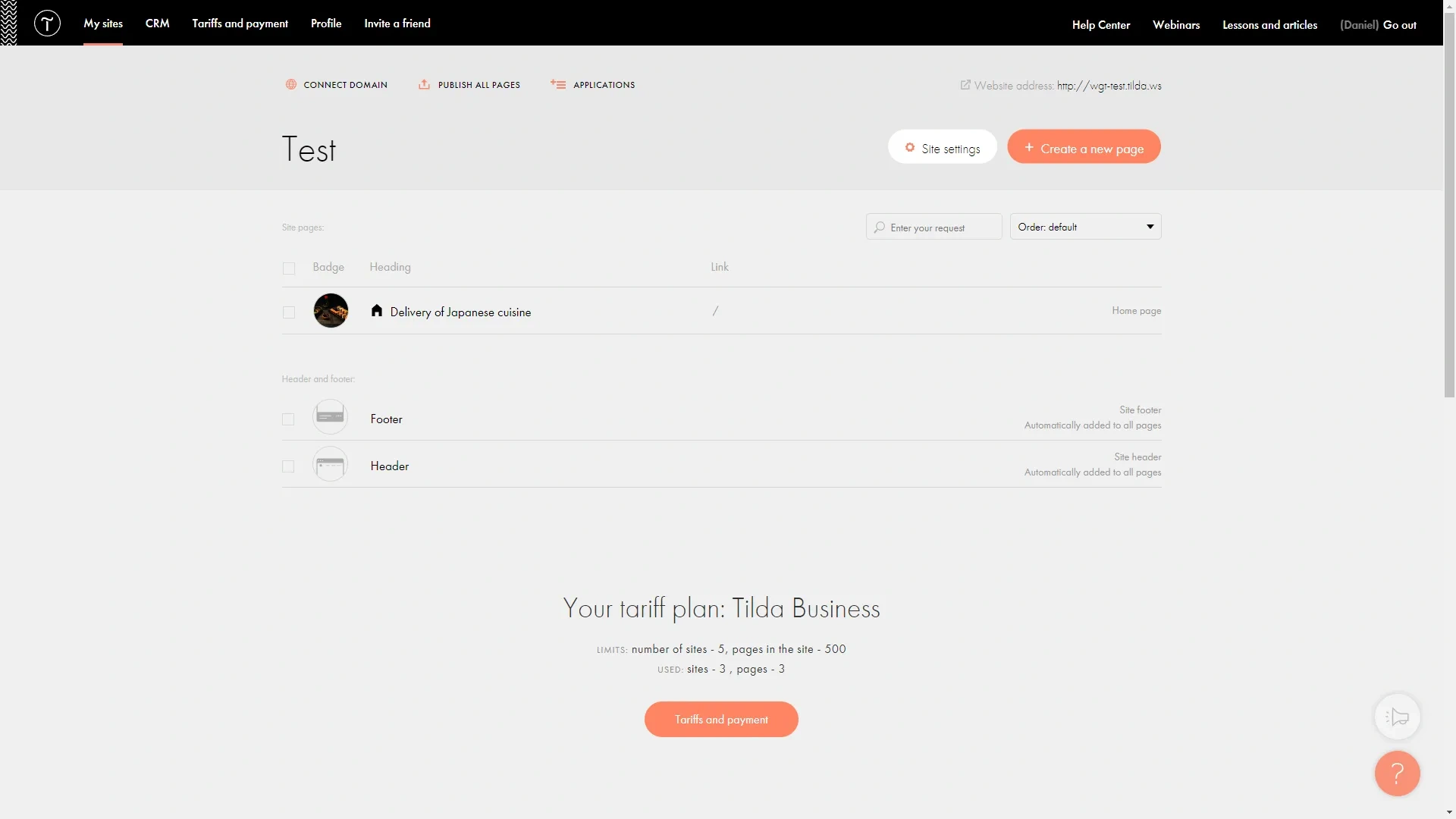
Select «More».
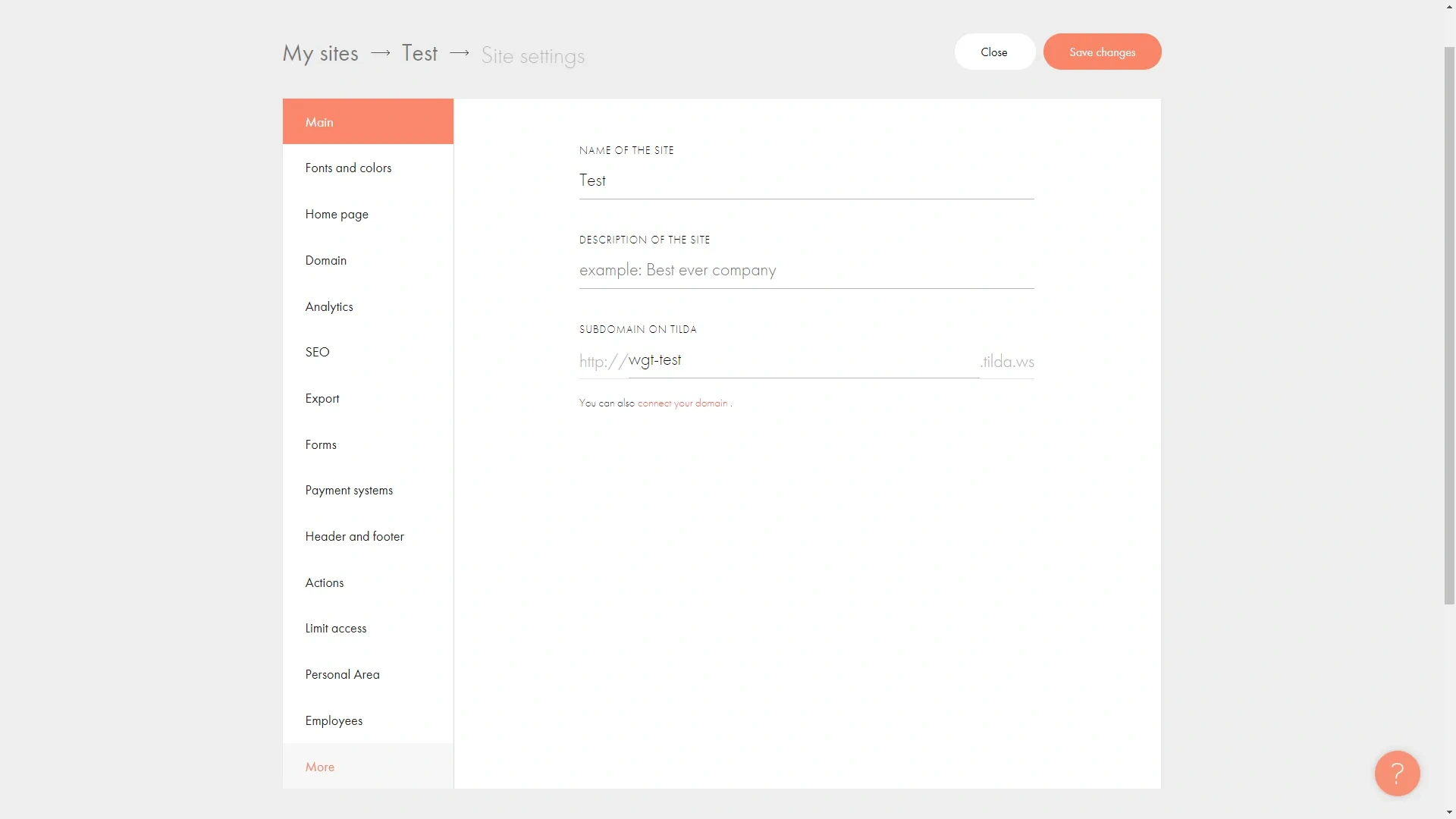
In it, click the «Edit code» button from the «HTML CODE TO INSERT INSIDE HEAD» section.
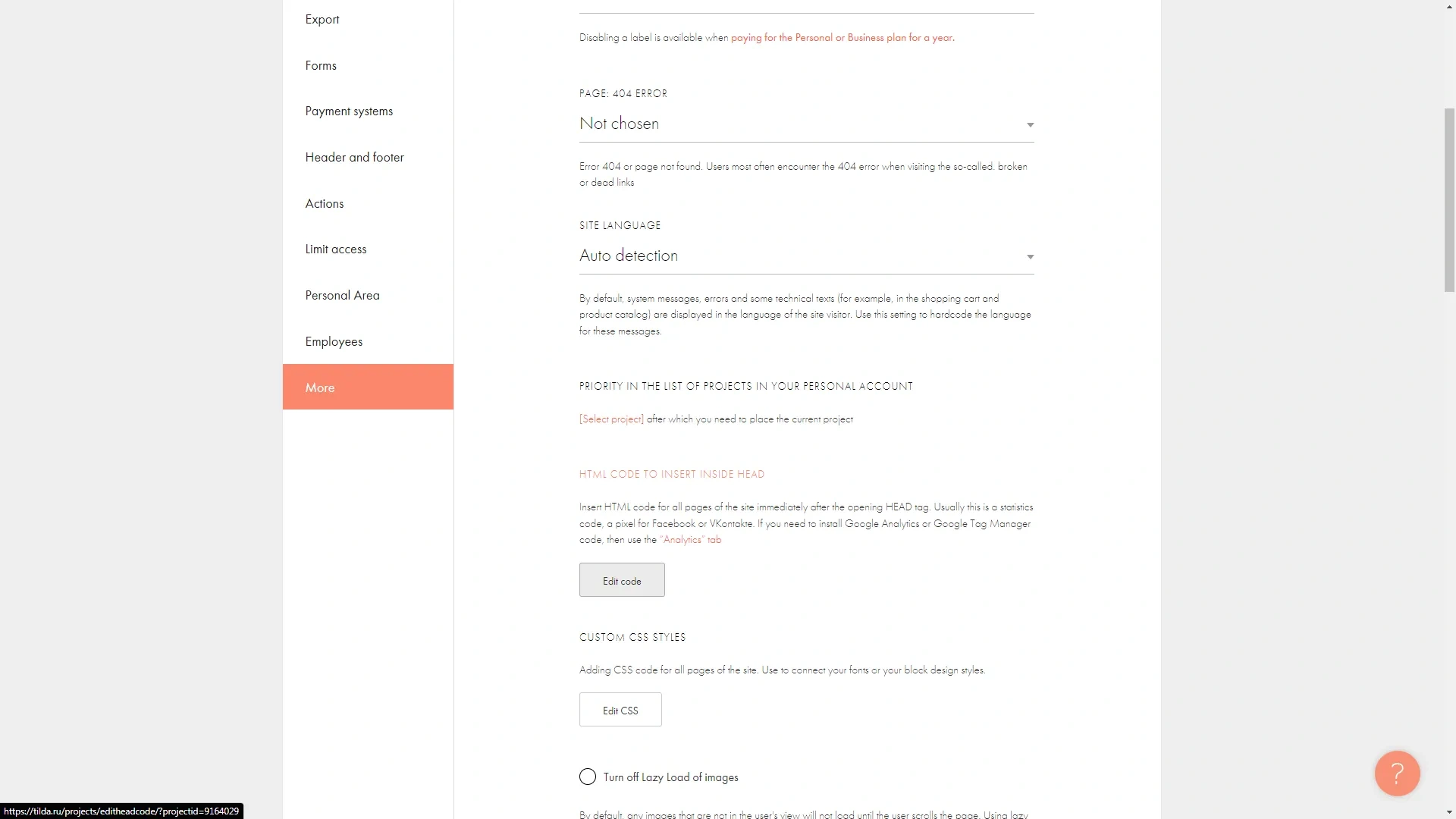
A window for inserting the code opens.
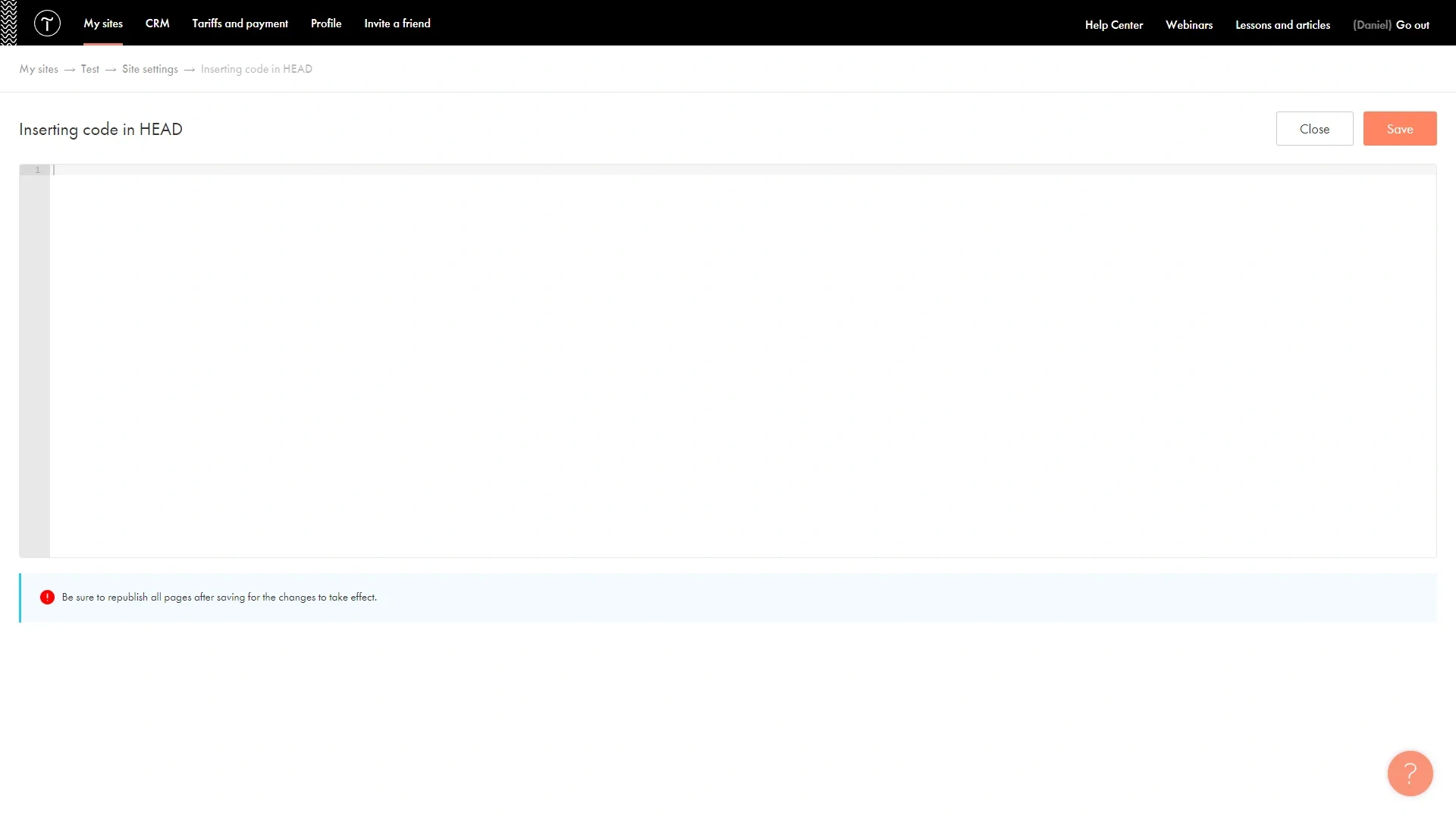
Paste the first part of the code you copied earlier.

Click the «Save» button.
Then go to the «Footer» or «Header» page - these are embedded on all pages of the Tilda site by default, unless you have set otherwise.
On the page you add a new block «T-123» Html-block from «Other» section.
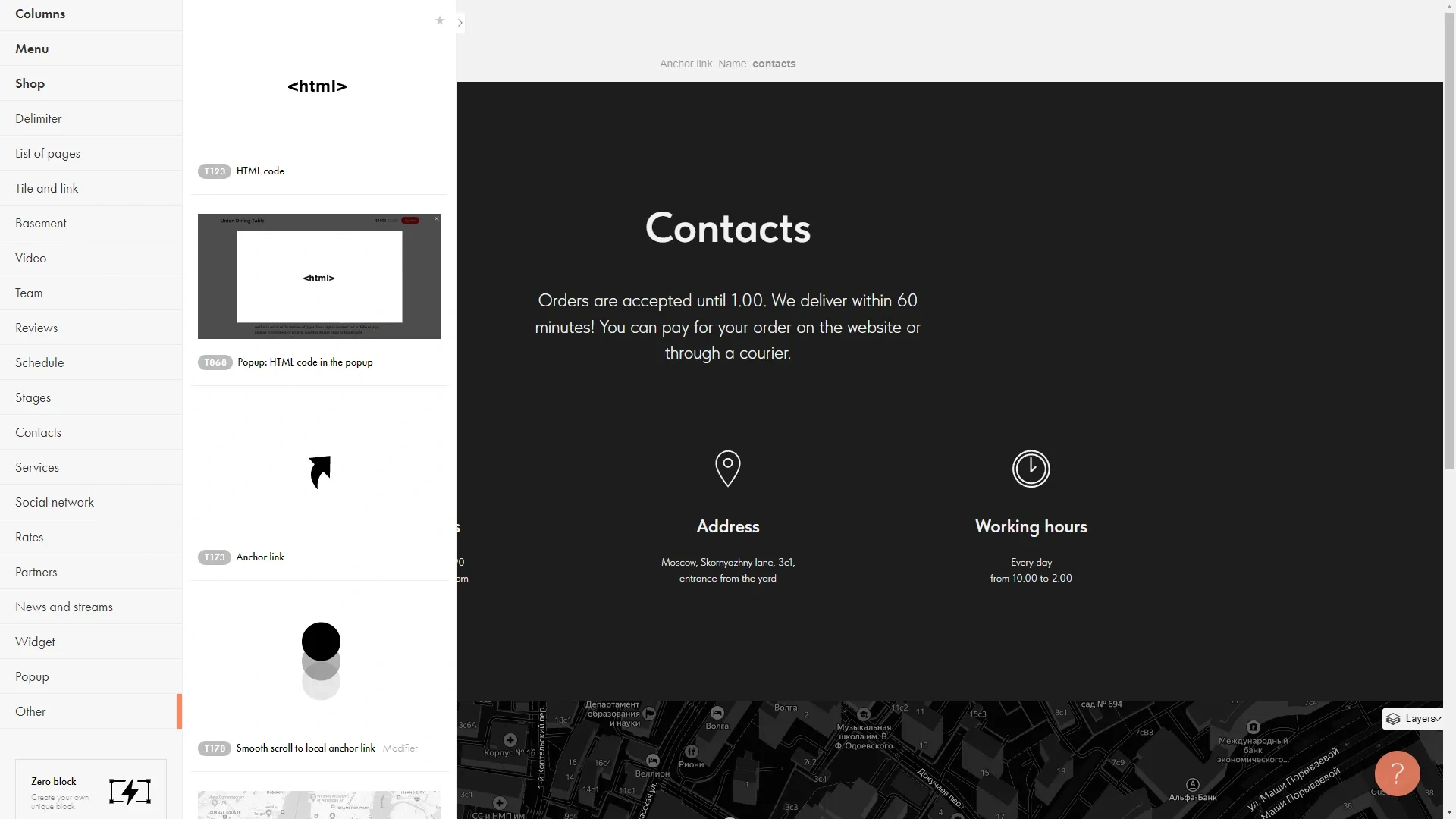
Enter the content editing mode, a field to enter the code will open up.
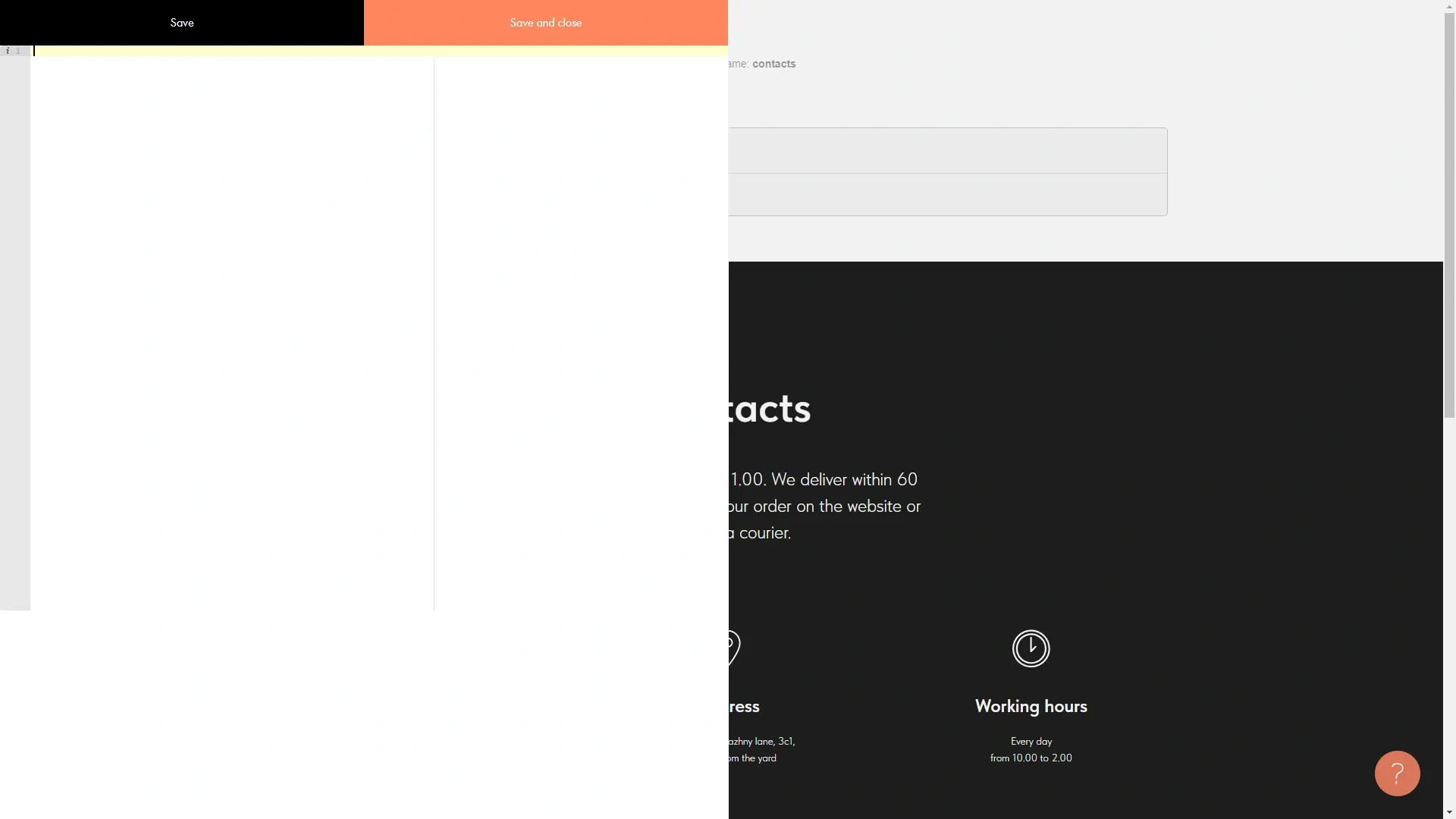
Insert the second part of the code intended for the <body> block.
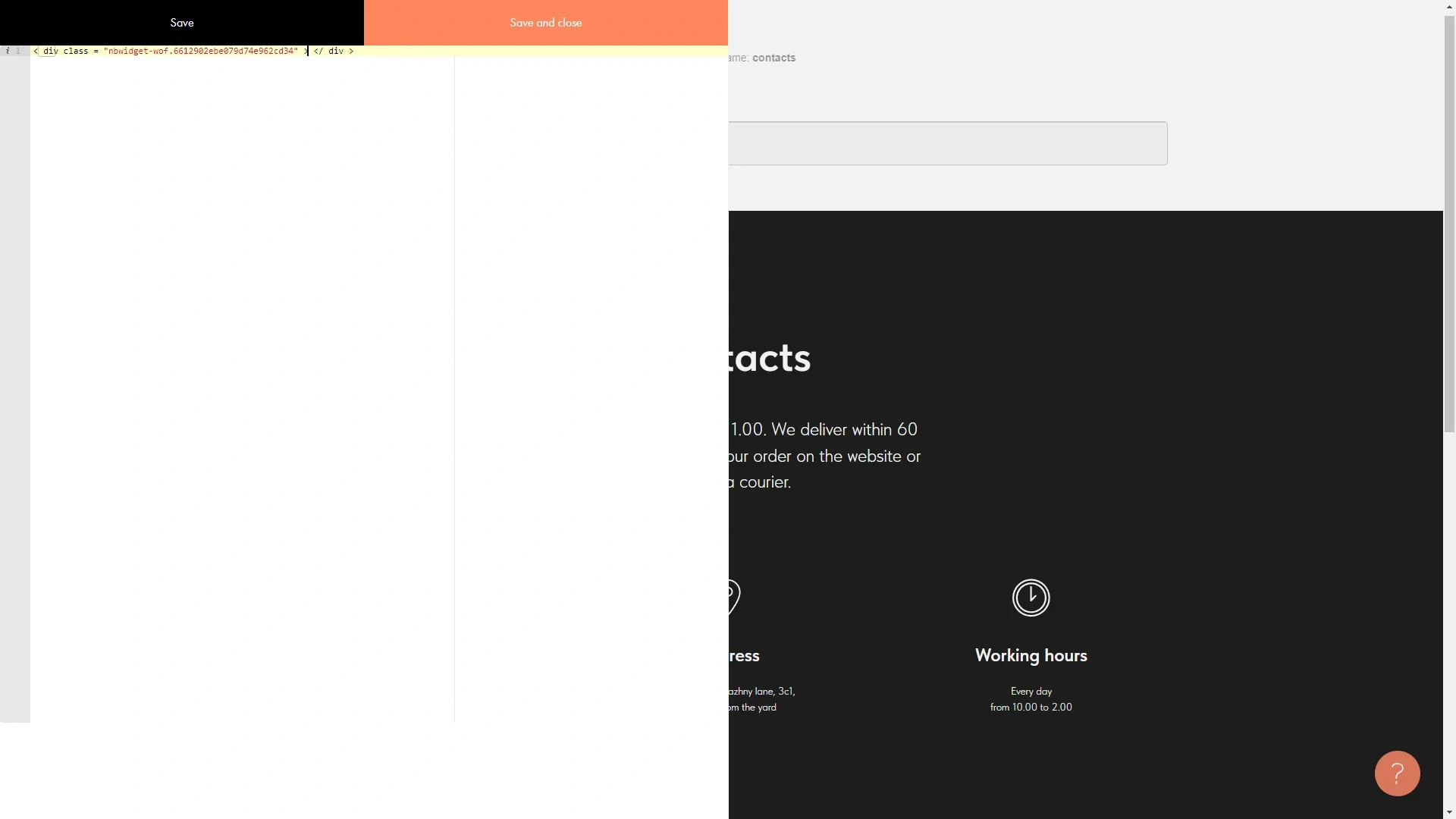
You click the «Save and close» button.
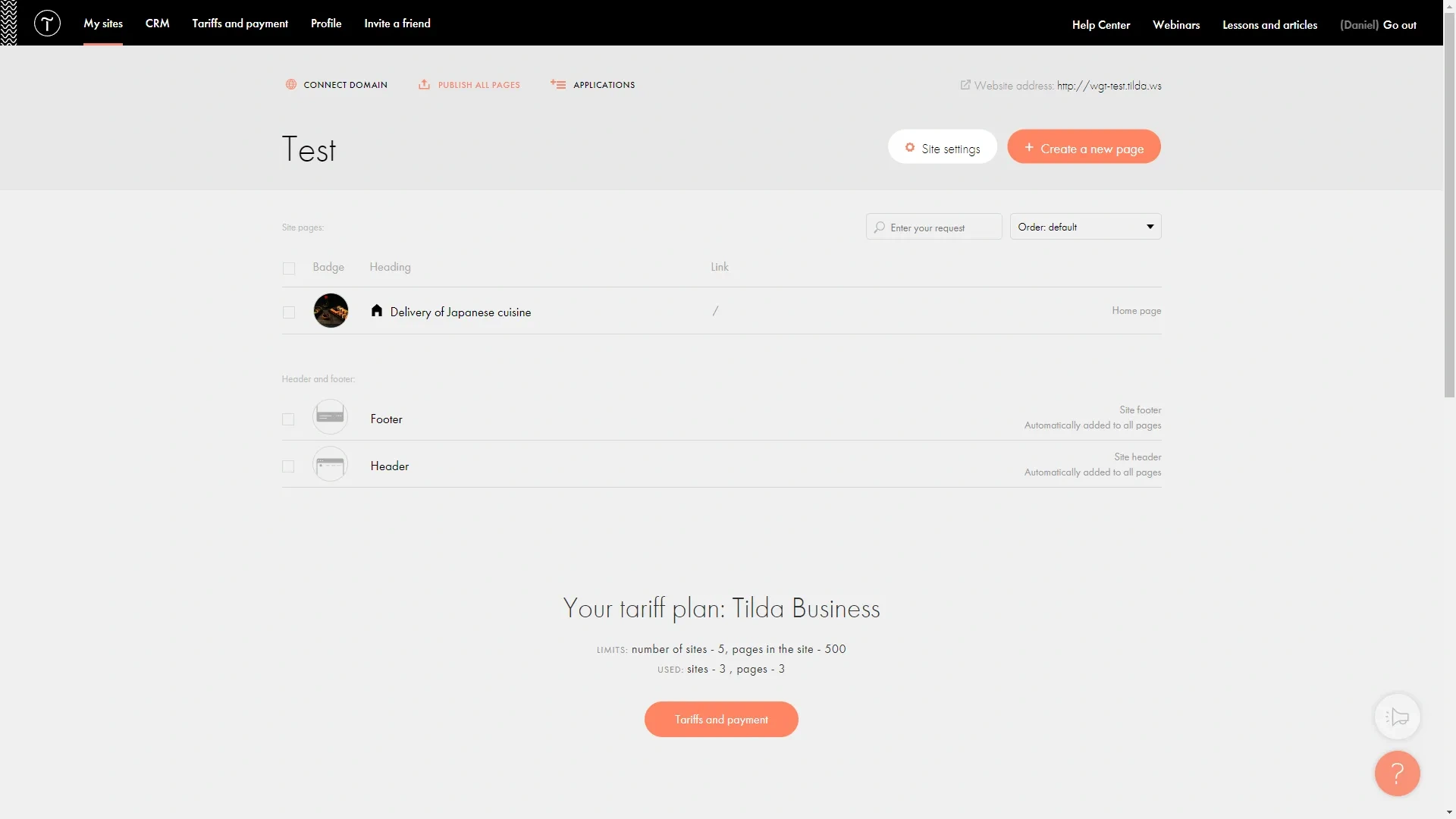
To apply all changes, you must republish all pages of the project by clicking the «Publish all pages» button on the main project page.
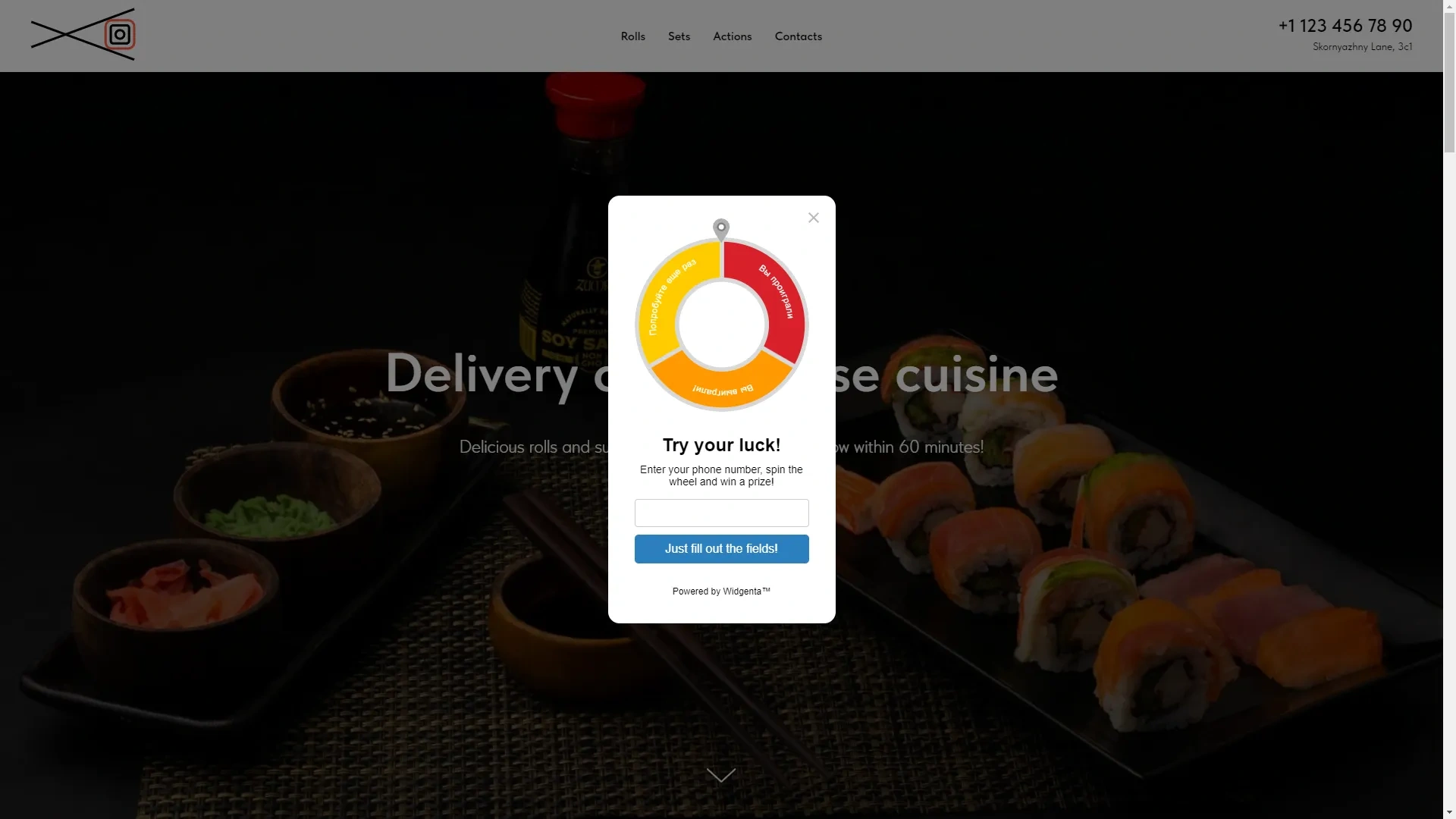
Go to the site and check for a working widget.

Widgenta widget placement On selected pages of the Tilda website (on one or more pages)
After creating, customizing and saving the widget, you have the code available for posting on your site.
Copy the first code for <head> and go into the Tilda project settings.
Select «More».
In it, click the «Edit code» button from the «HTML CODE TO INSERT INSIDE HEAD» section.
A window for inserting the code opens.
Paste the first part of the code you copied earlier.
Click the «Save» button.
Then navigate to the page where you want to place the Widgenta widget.
On the page you add a new block «T-123» Html-block from «Other» section.
Enter the content editing mode, a field to enter the code will open up.
Insert the second part of the code intended for the <body> block.
You click the «Save and close» button.
To apply all changes, you must republish all pages of the project by clicking the «Publish all pages» button on the main project page.
Go to the site and check for a working widget.