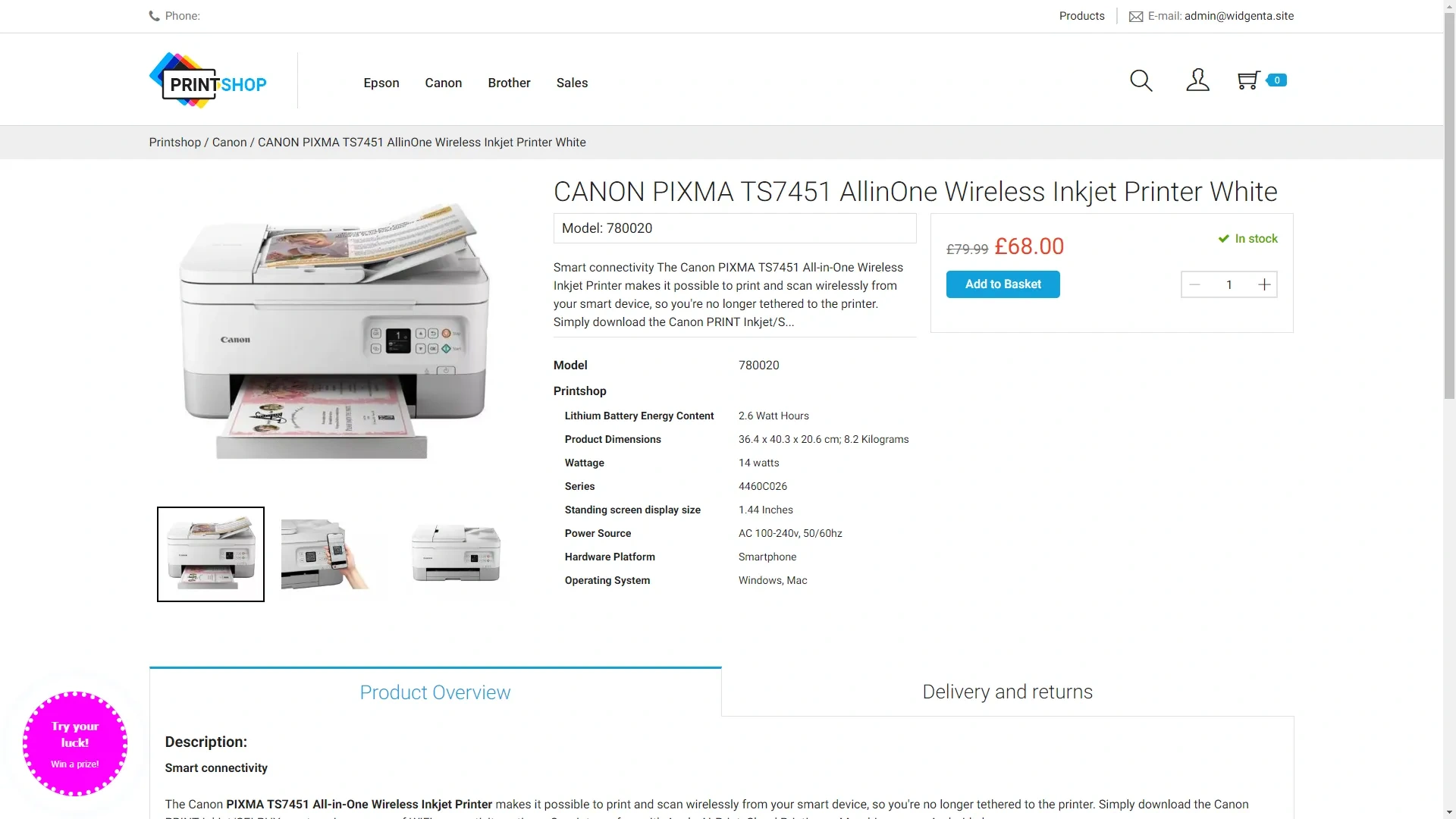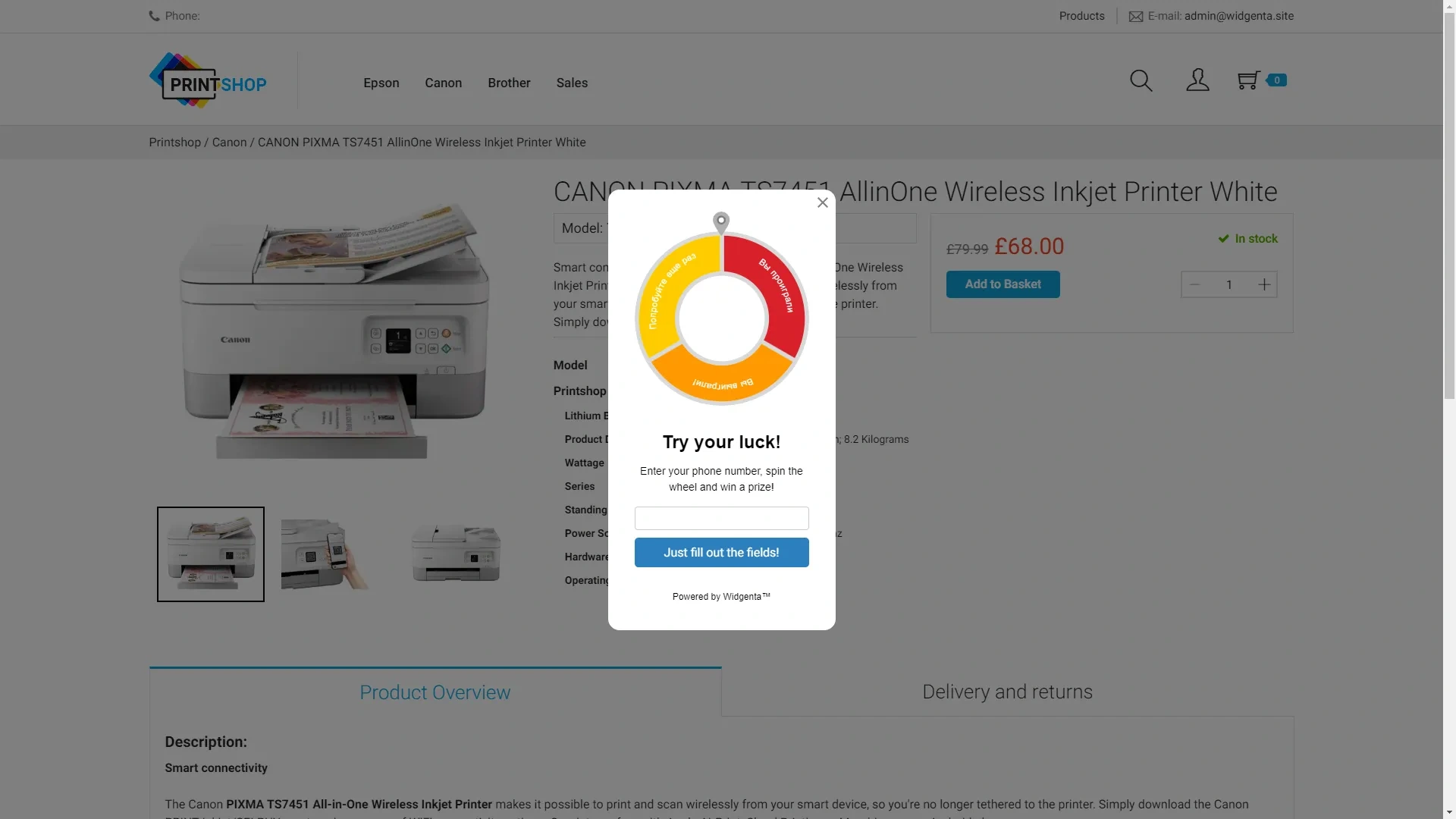
Widgenta widget placement on osCommerce
There are two accommodation options:
Placing the Widgenta widget on all pages of the osCommerce site
After creating, customizing and saving the widget, you have the code available for posting on your site.
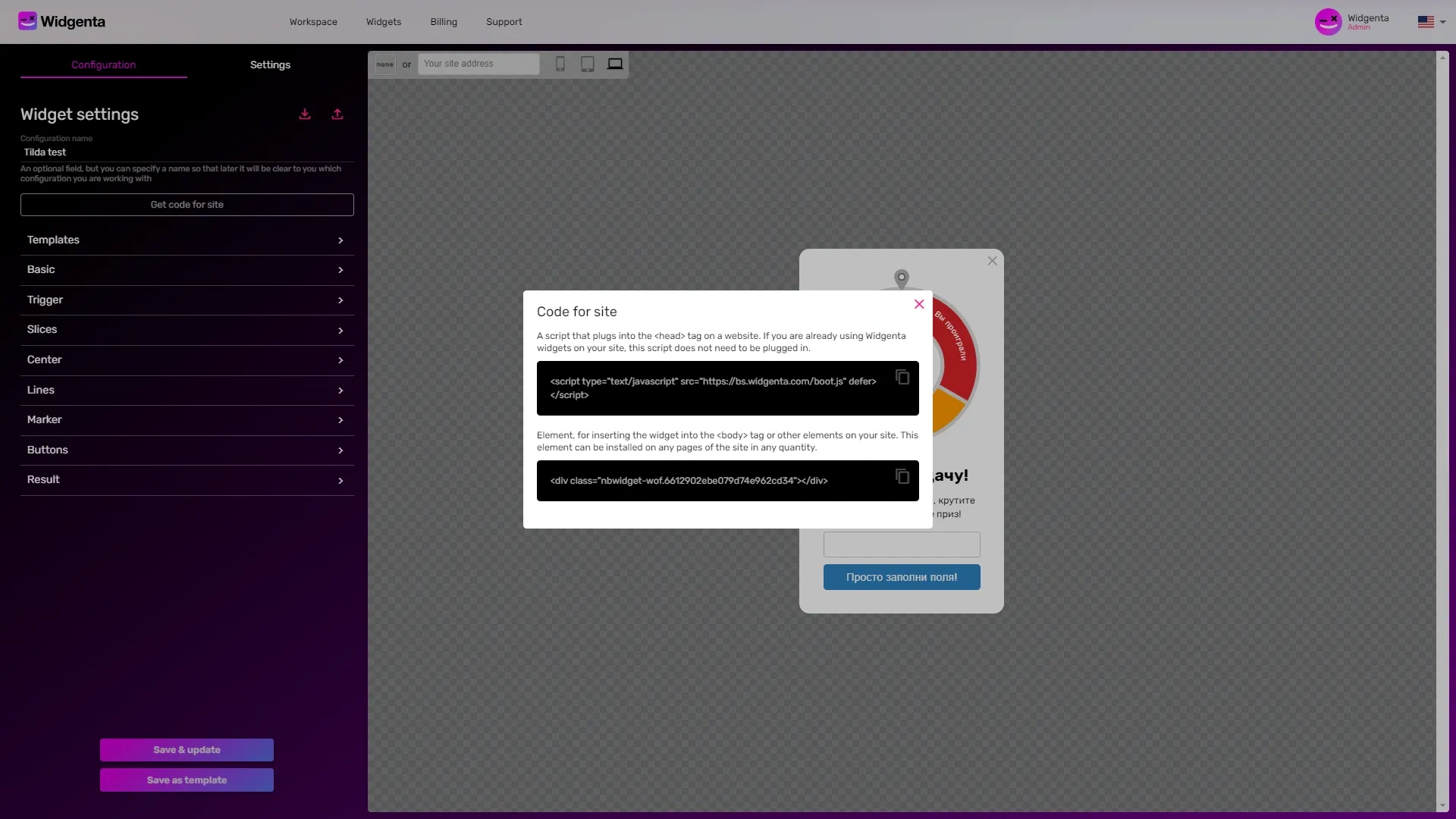
Copy the first code for <head> and go to the osCommerce administration panel.
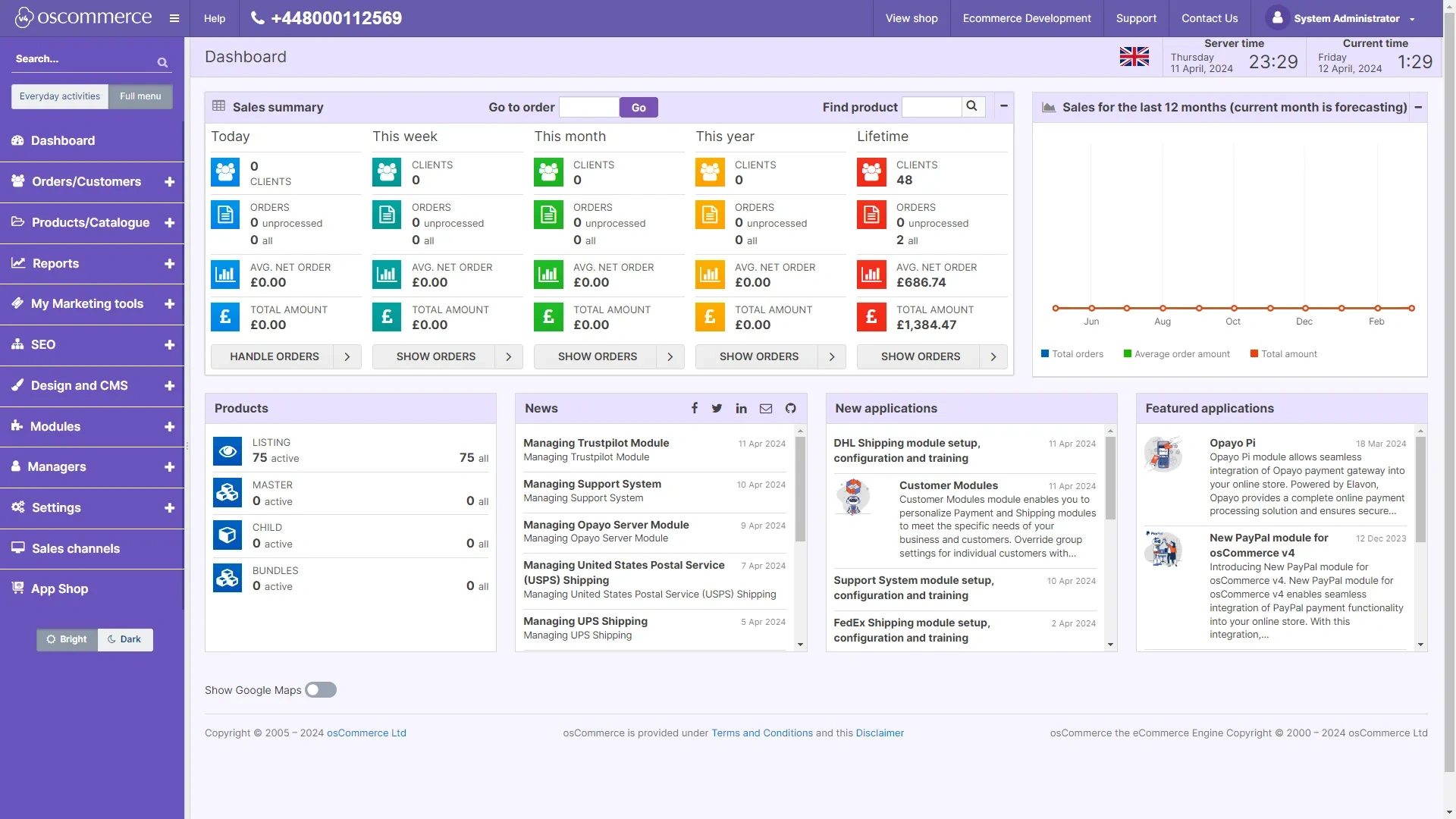
Click on «Design and CMS» and select «Themes».
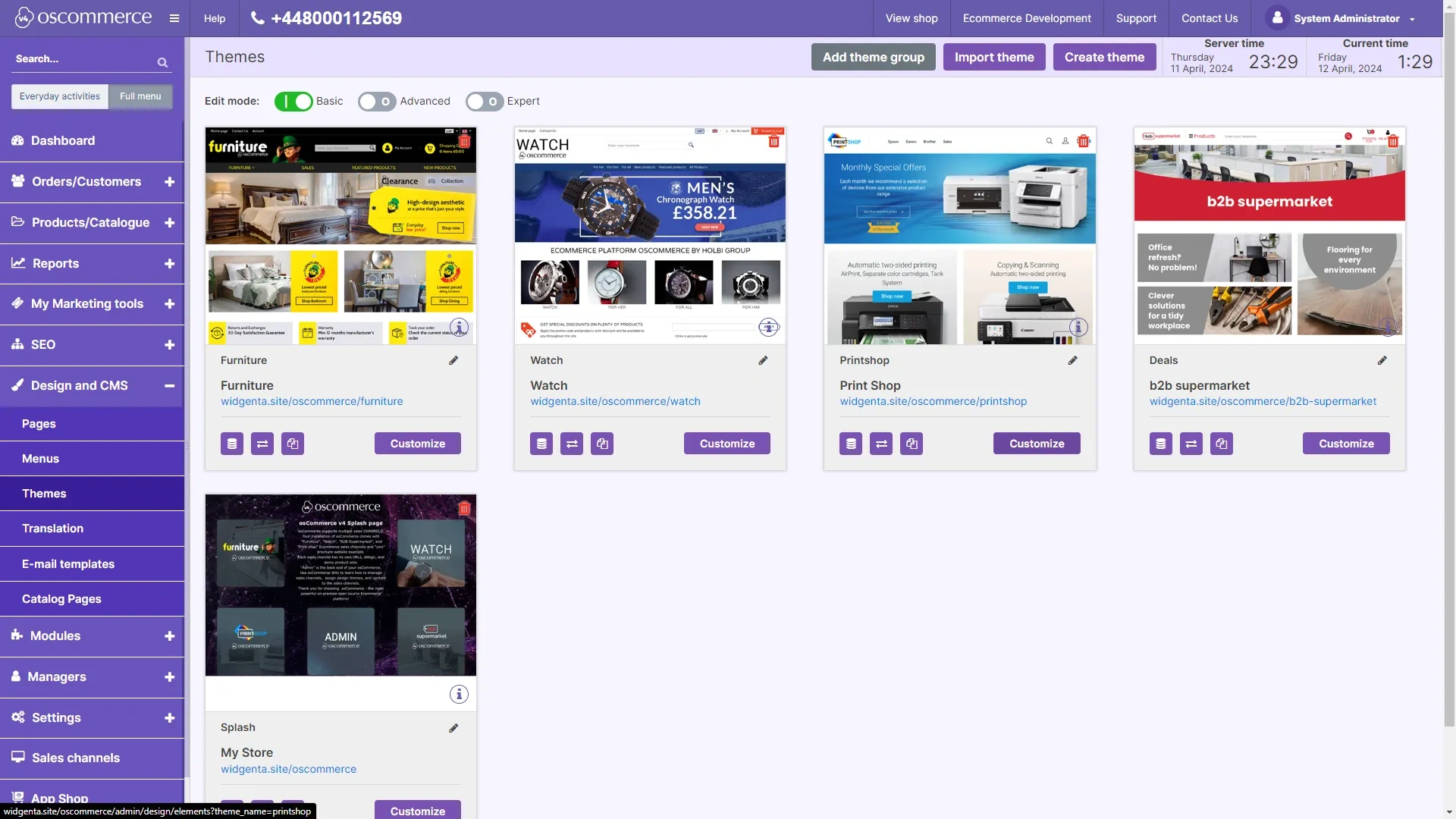
On the «Themes» page, click the «Customize» button on your theme.
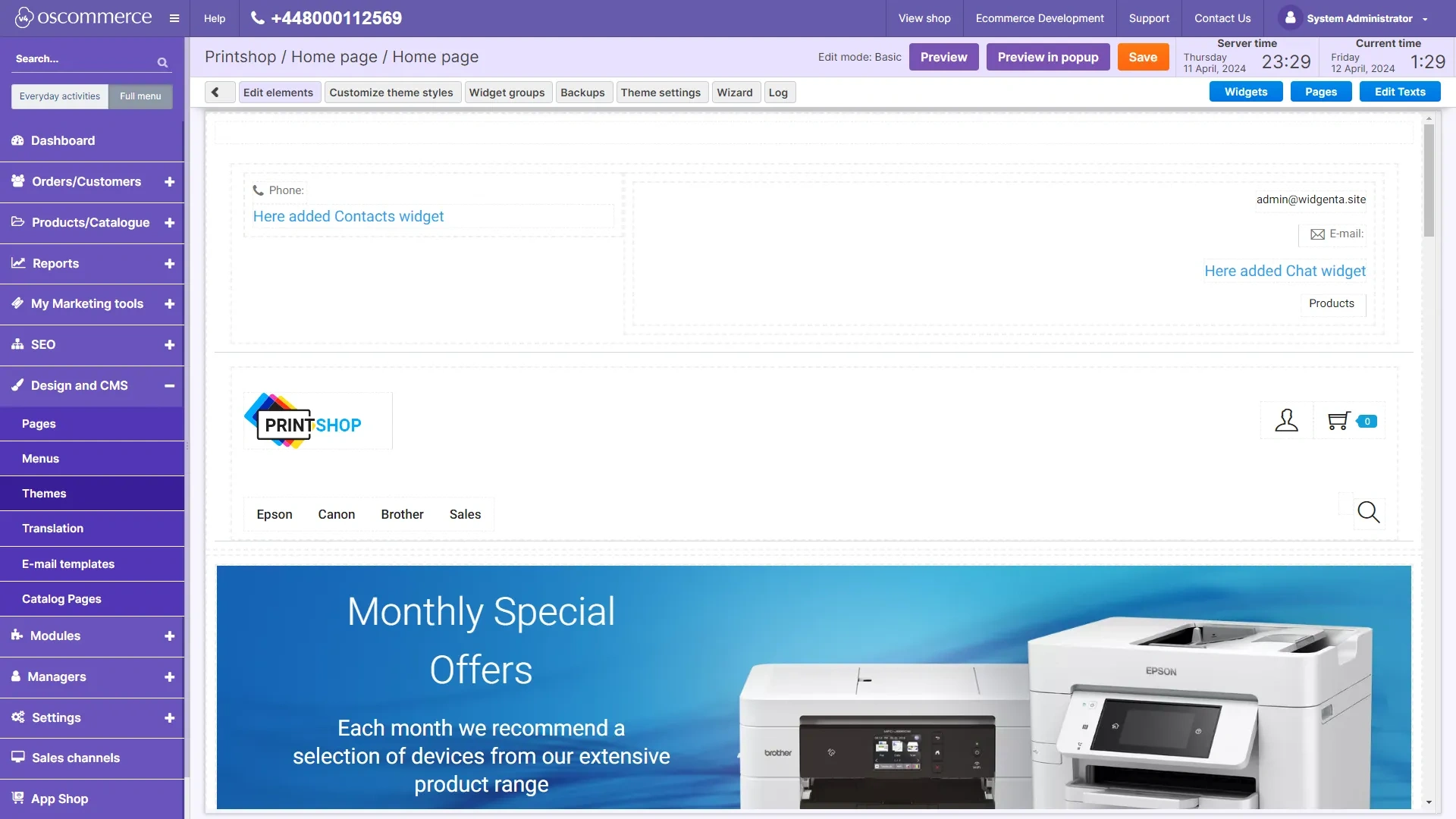
In the theme editor, place the cursor between the blocks and click «+».
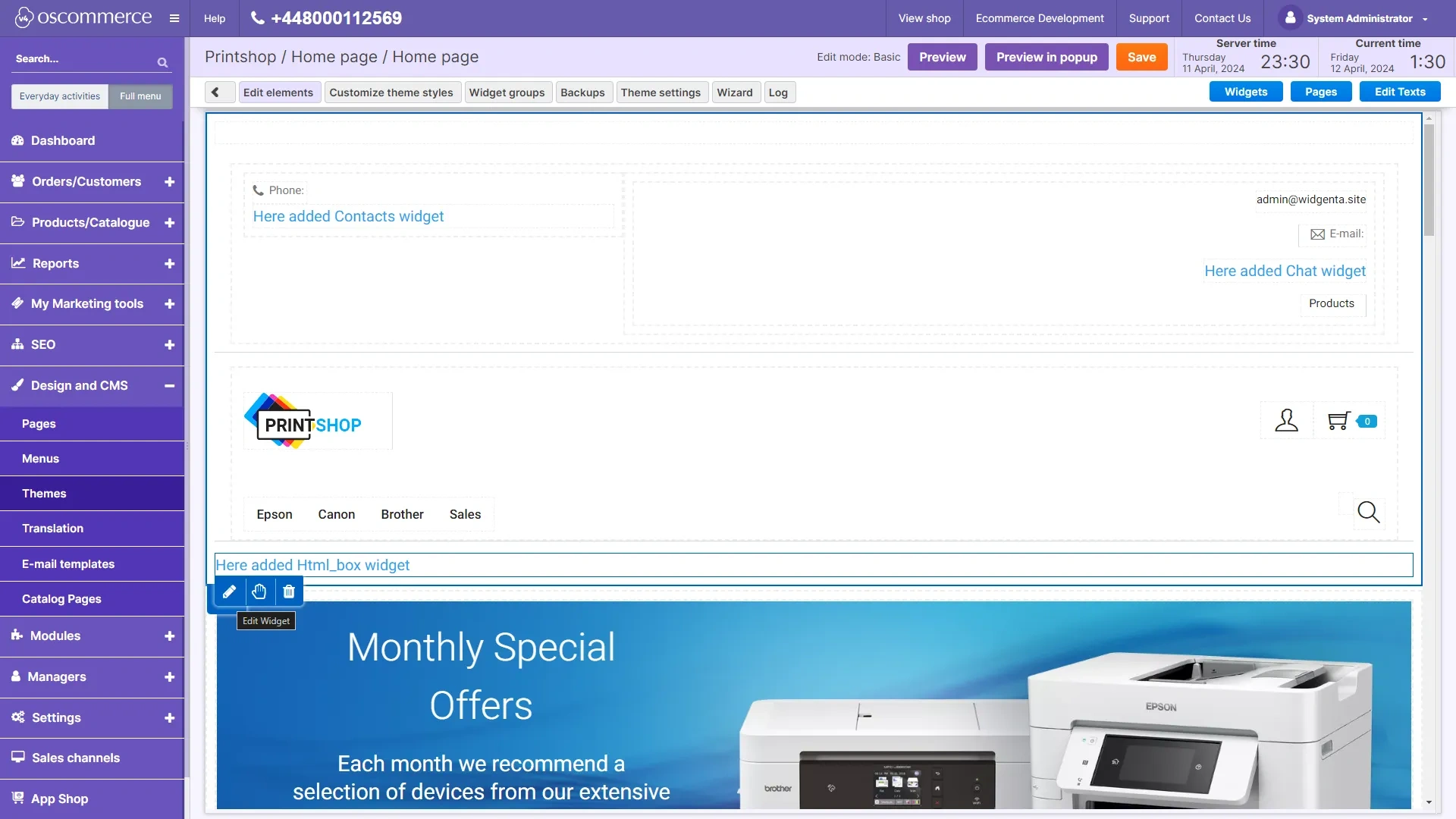
From the list of available blocks, select «html».
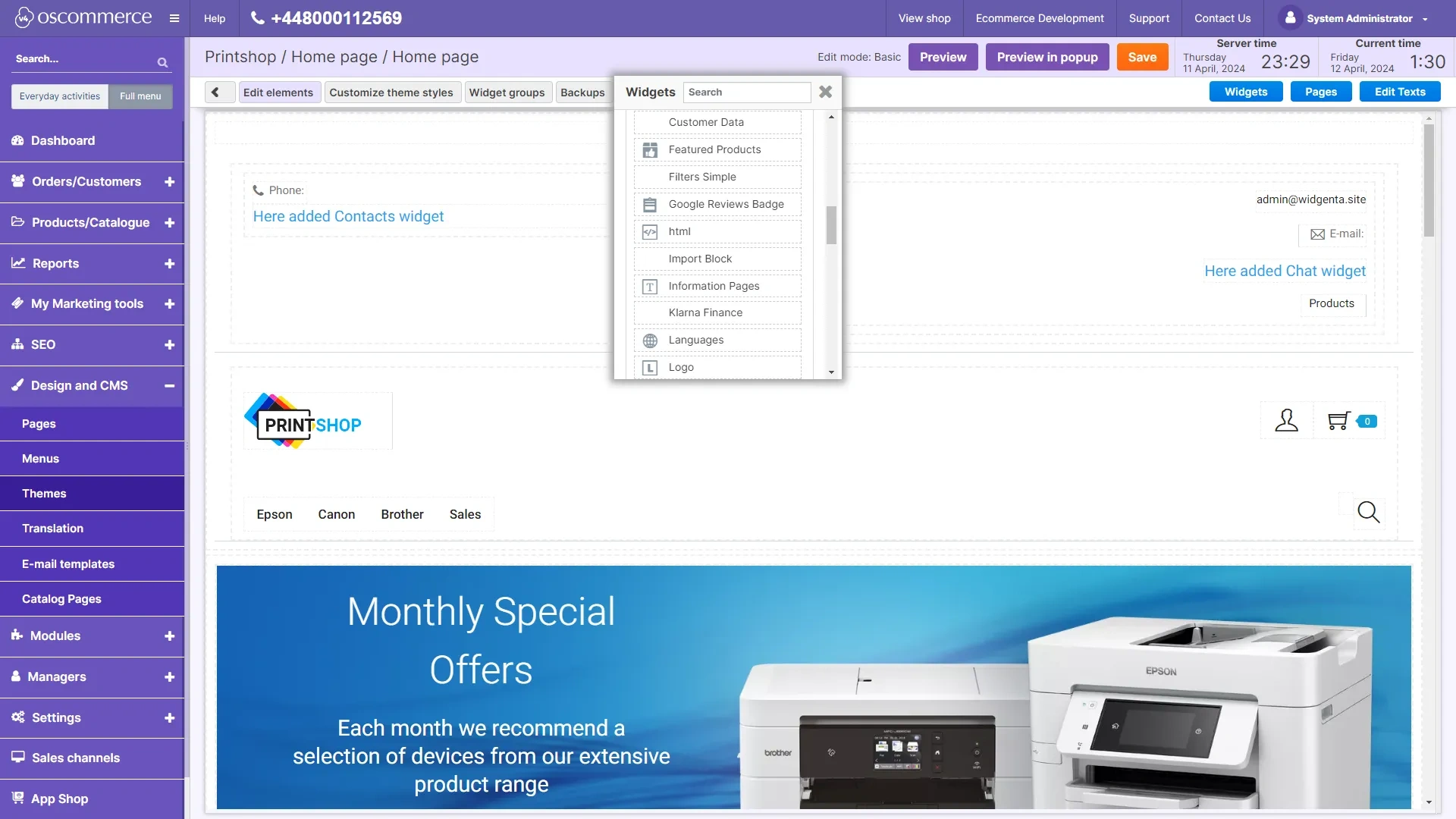
Hover over the block that appears and click the edit button «pencil», in the window that appears, paste both Widgenta codes in it.
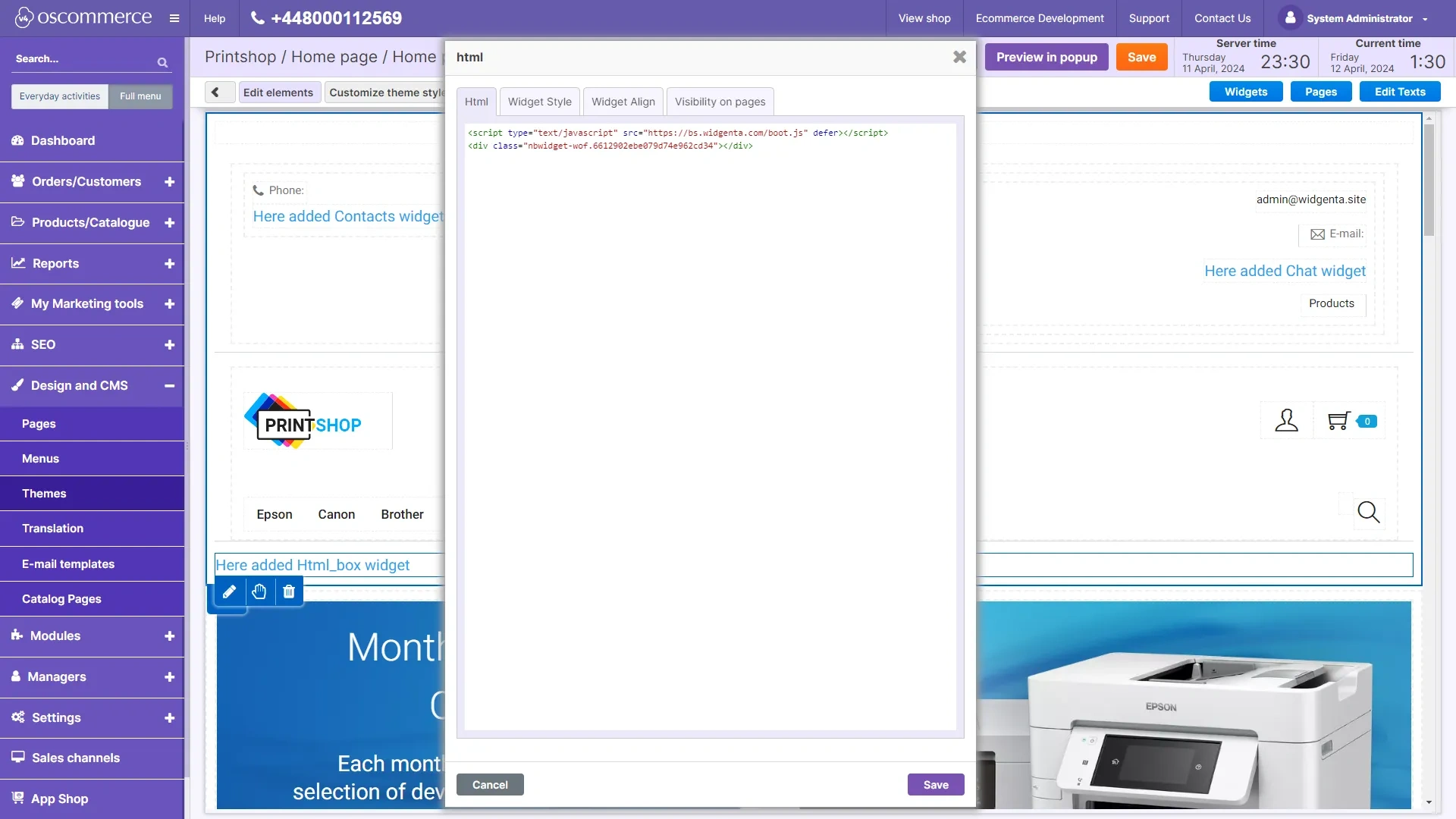
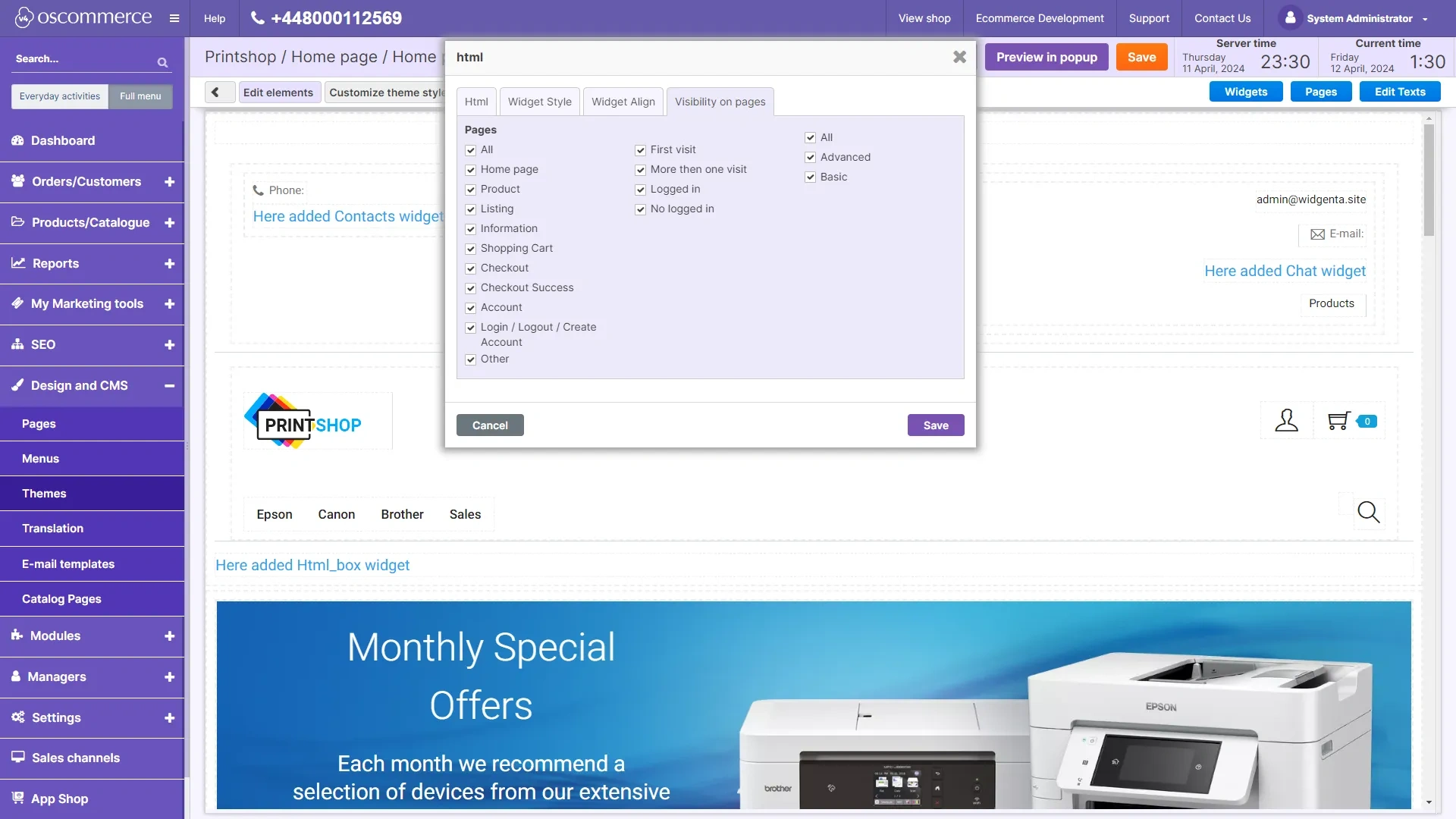
Go to the «Visibility on pages» tab and select all pages.
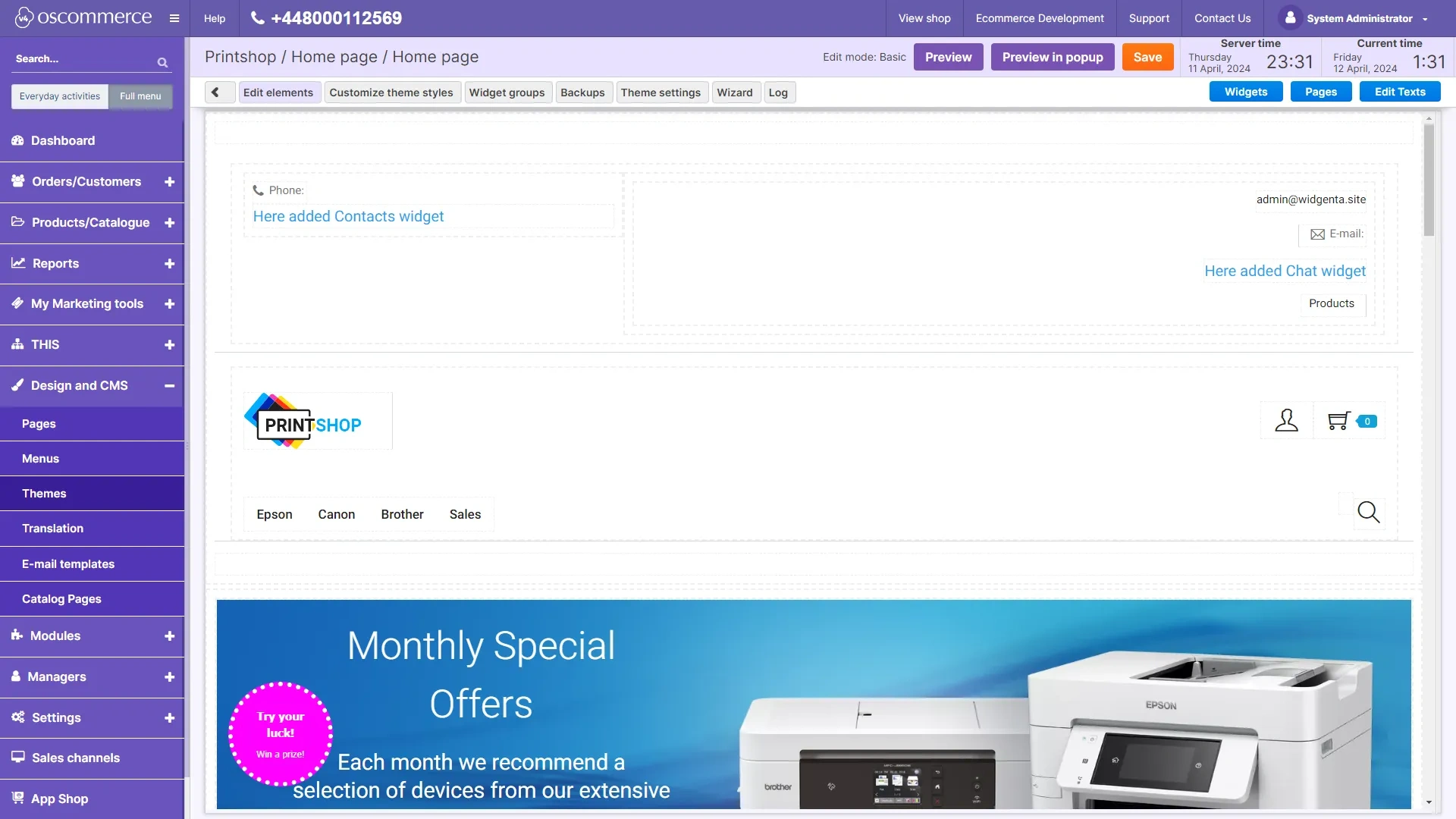
The widget will initialize and appear in the editor, click the orange «Save» button at the top.
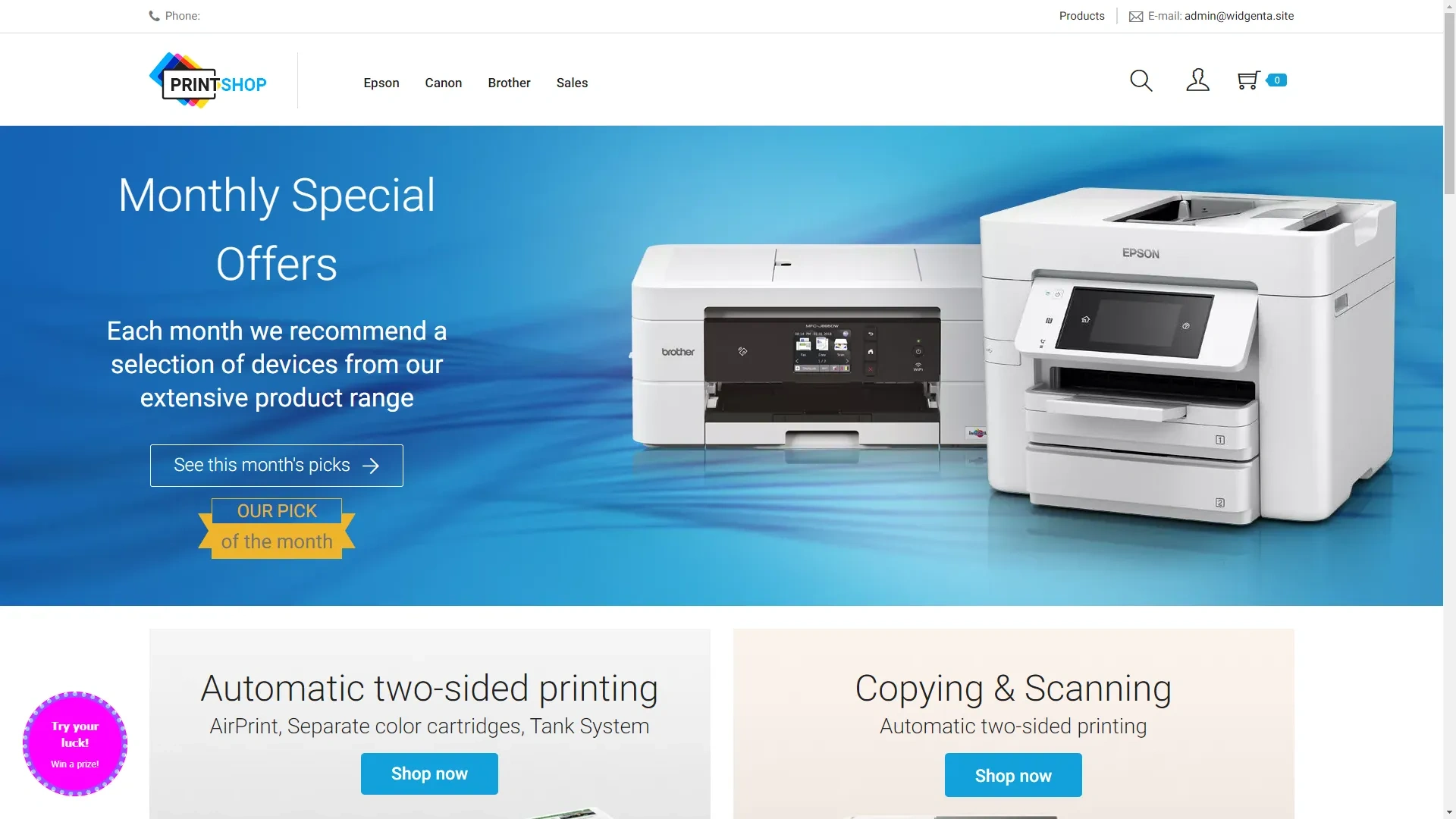
Go to the site and check for a working widget.

Widgenta widget placement on selected pages of osCommerce site (on one or more pages)
After creating, customizing and saving the widget, you have the code available for posting on your site.
Copy the first code for <head> and go to the osCommerce administration panel.
Click on «Design and CMS» and select «Themes».
On the «Themes» page, click the «Customize» button on your theme.
In the theme editor, place the cursor between the blocks and click «+».
From the list of available blocks, select «html».
Hover over the block that appears and click the edit button «pencil», in the window that appears, paste both Widgenta codes in it.
Go to the «Visibility on pages» tab and select the page on which the Widgenta widget will be displayed.
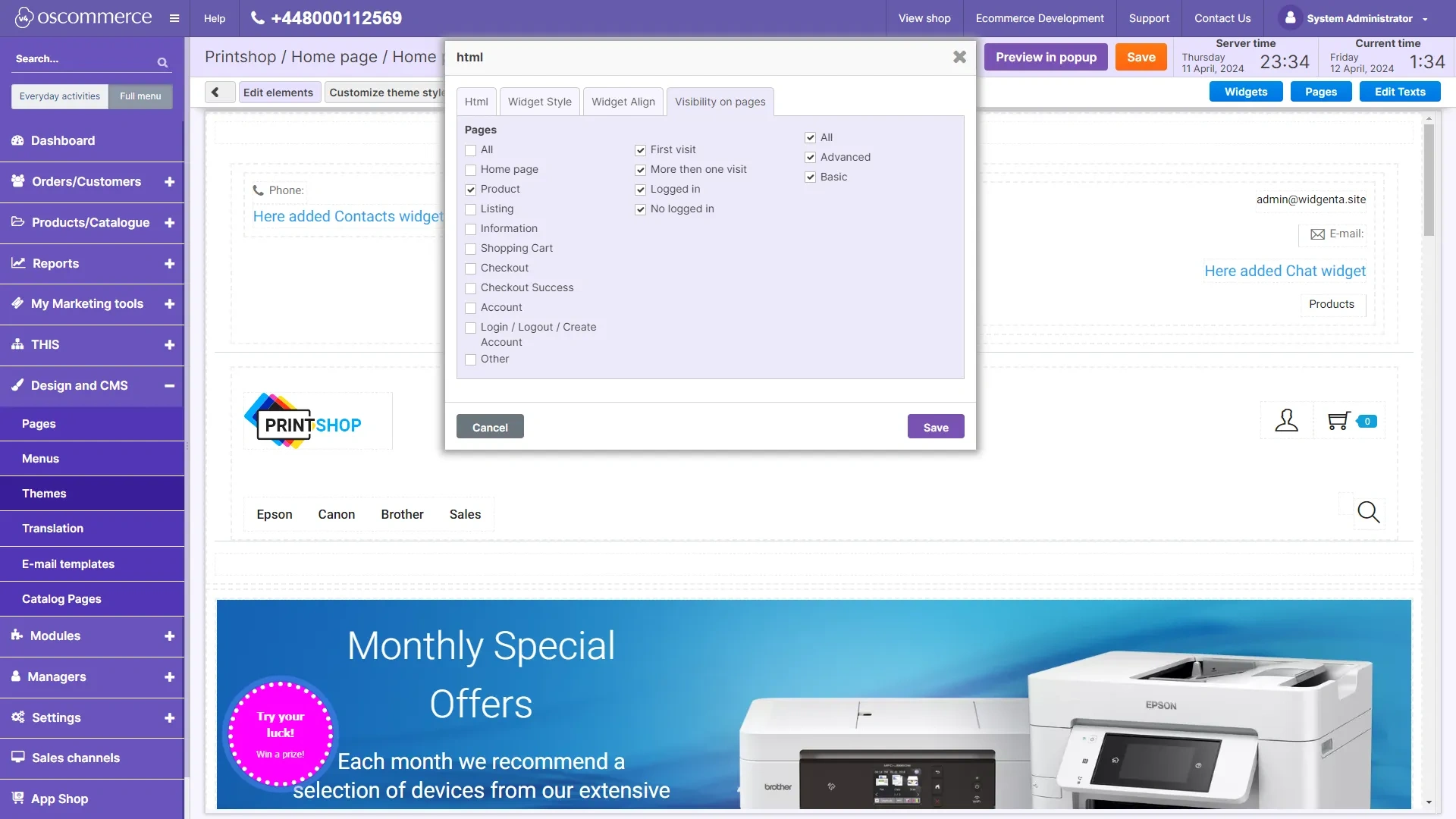
The widget will initialize and appear in the editor, click the orange «Save» button at the top.
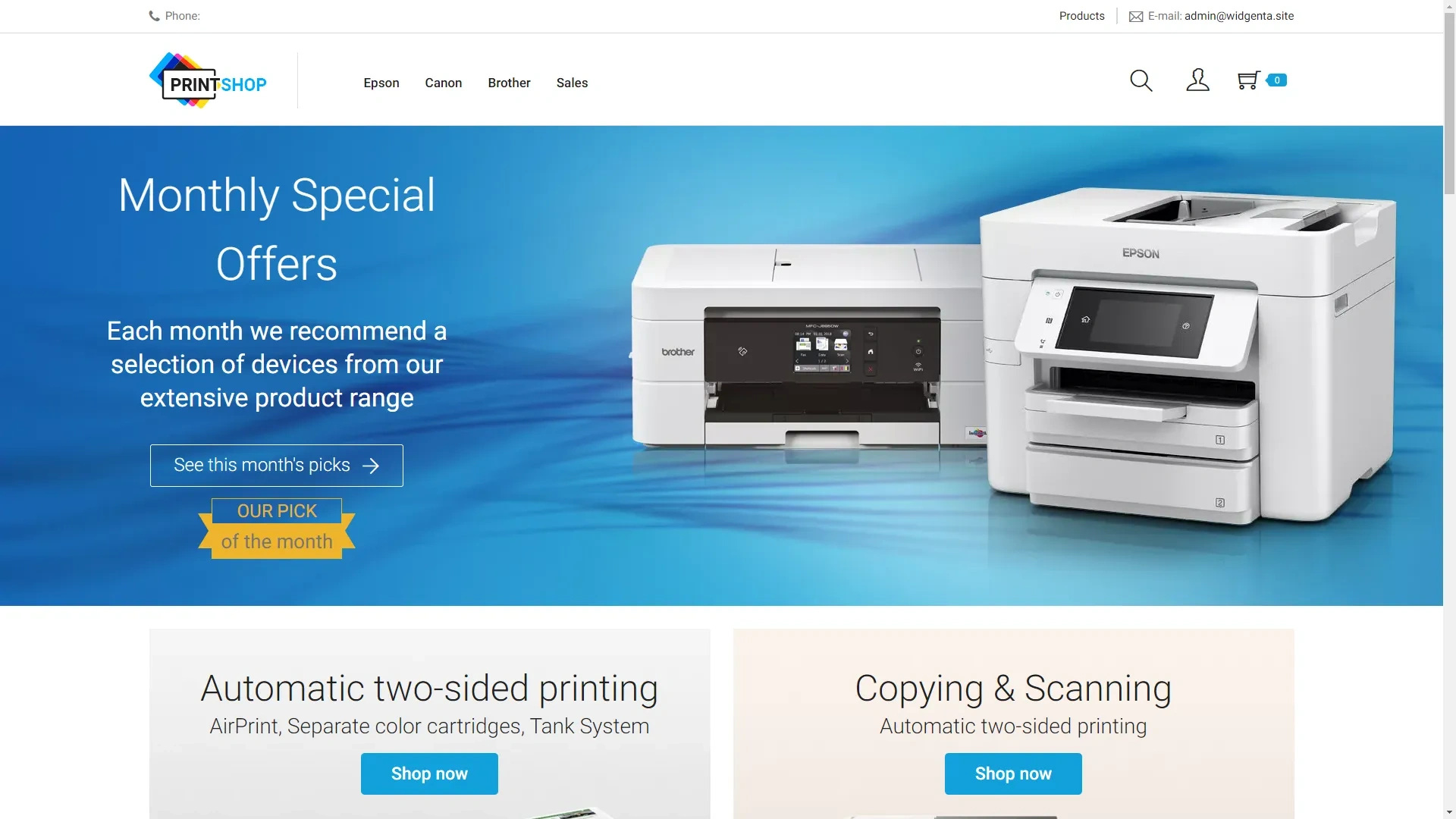
We go to the site and check that the widget is missing, since we placed it on the product page «Product».
Go to the product page "Product" and you will be able to see the widget you have placed.