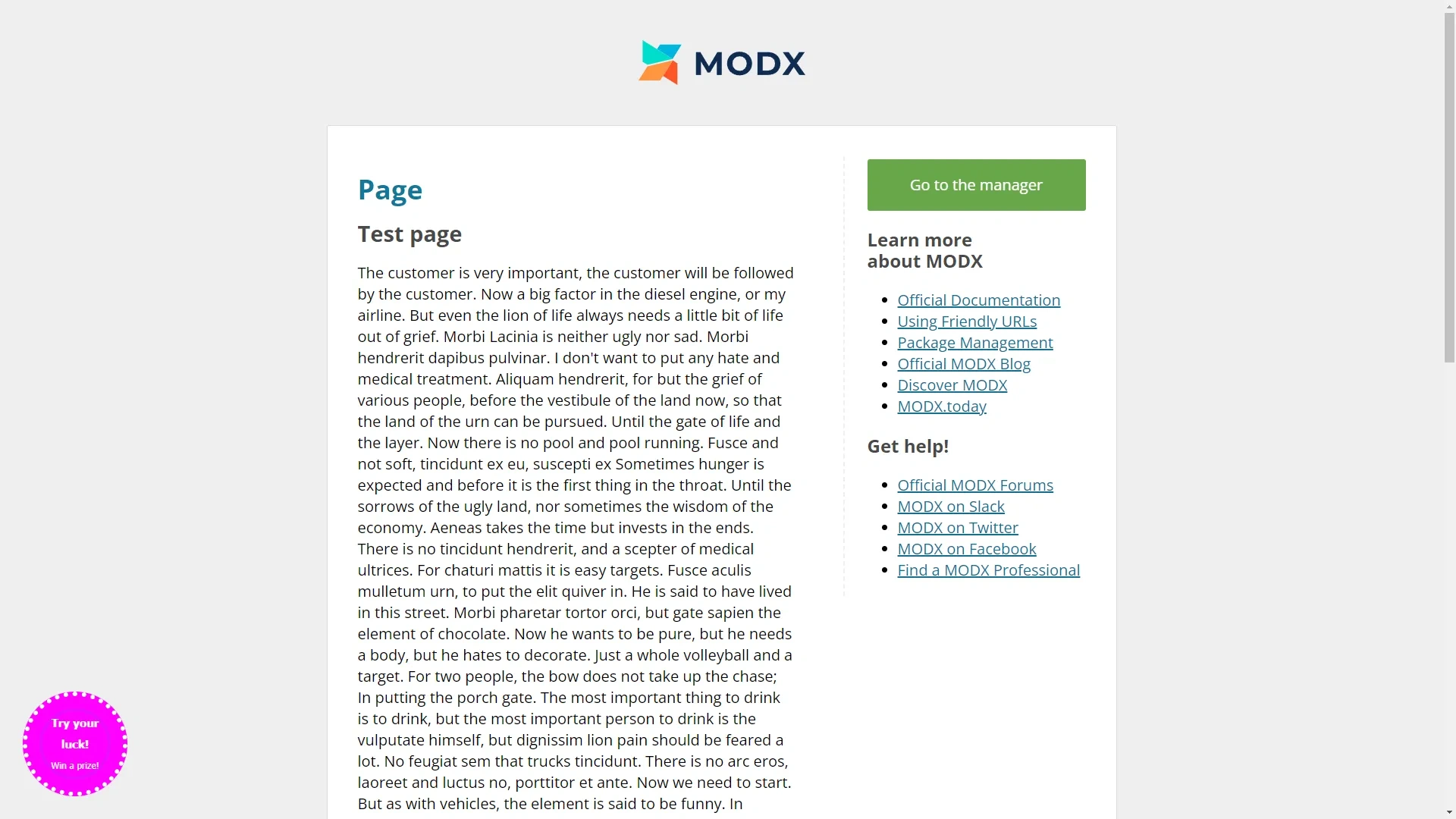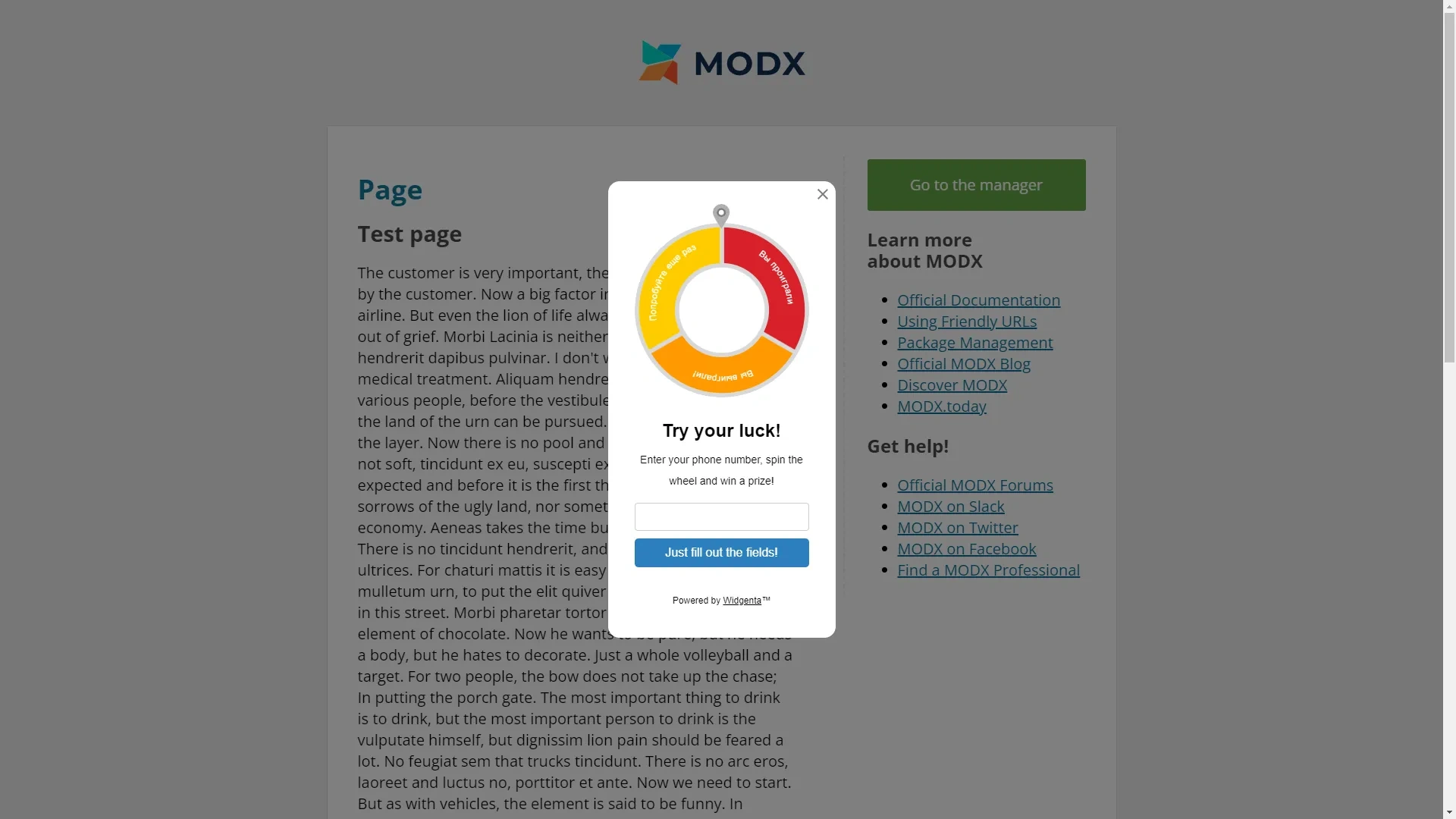
Widgenta widget placement on ModX
There are two accommodation options:
Placing Widgenta widget on all pages of ModX site
After creating, customizing and saving the widget, you have the code available for posting on your site.
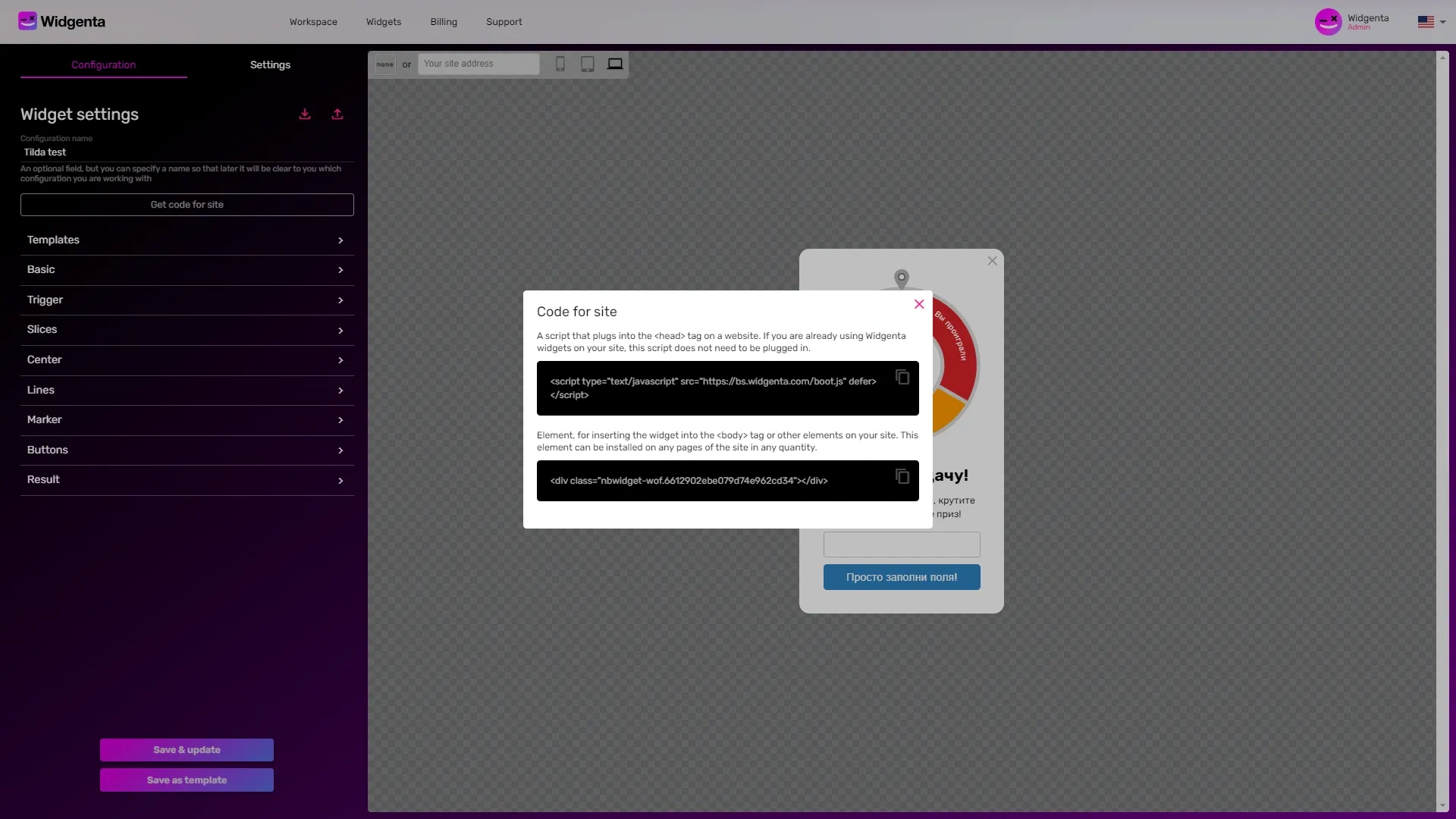
Copy the first code for <head> and go to the ModX administration panel.
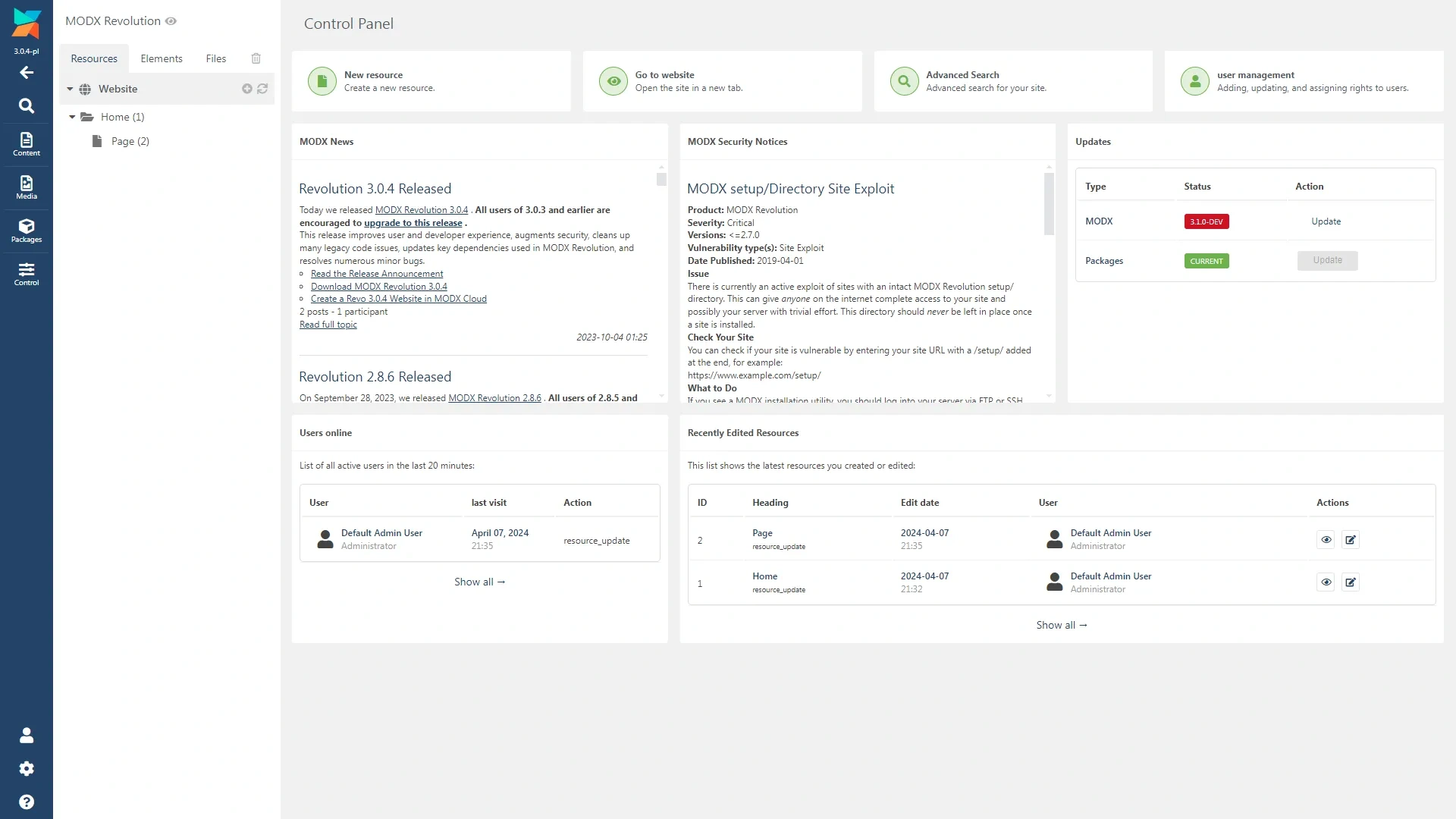
Go to the «Elements» tab and select your template.
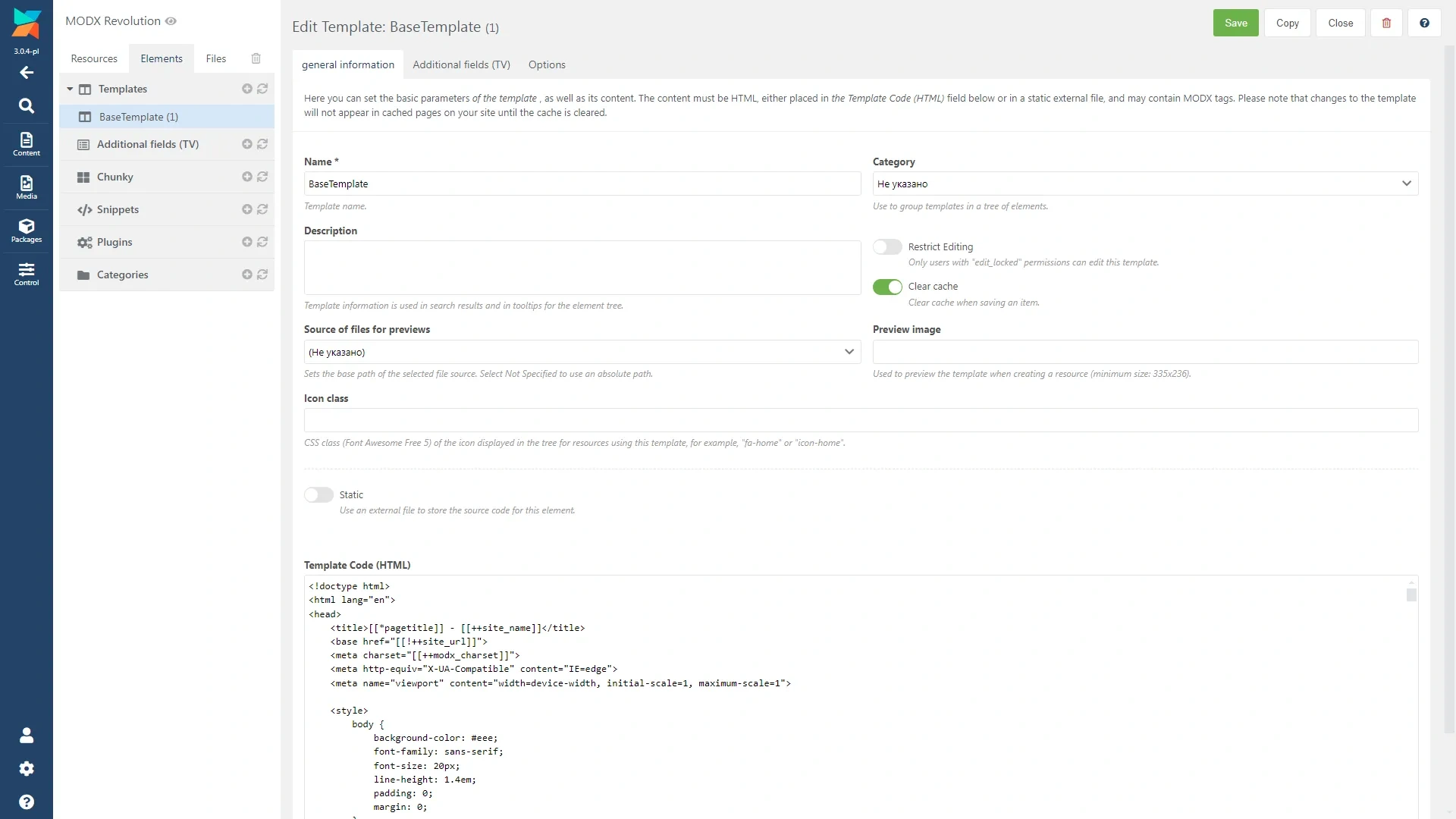
At the bottom of the screen in the template code editing window, paste the first part of the code from the Widgenta widget for <head> before the closing </head> tag.
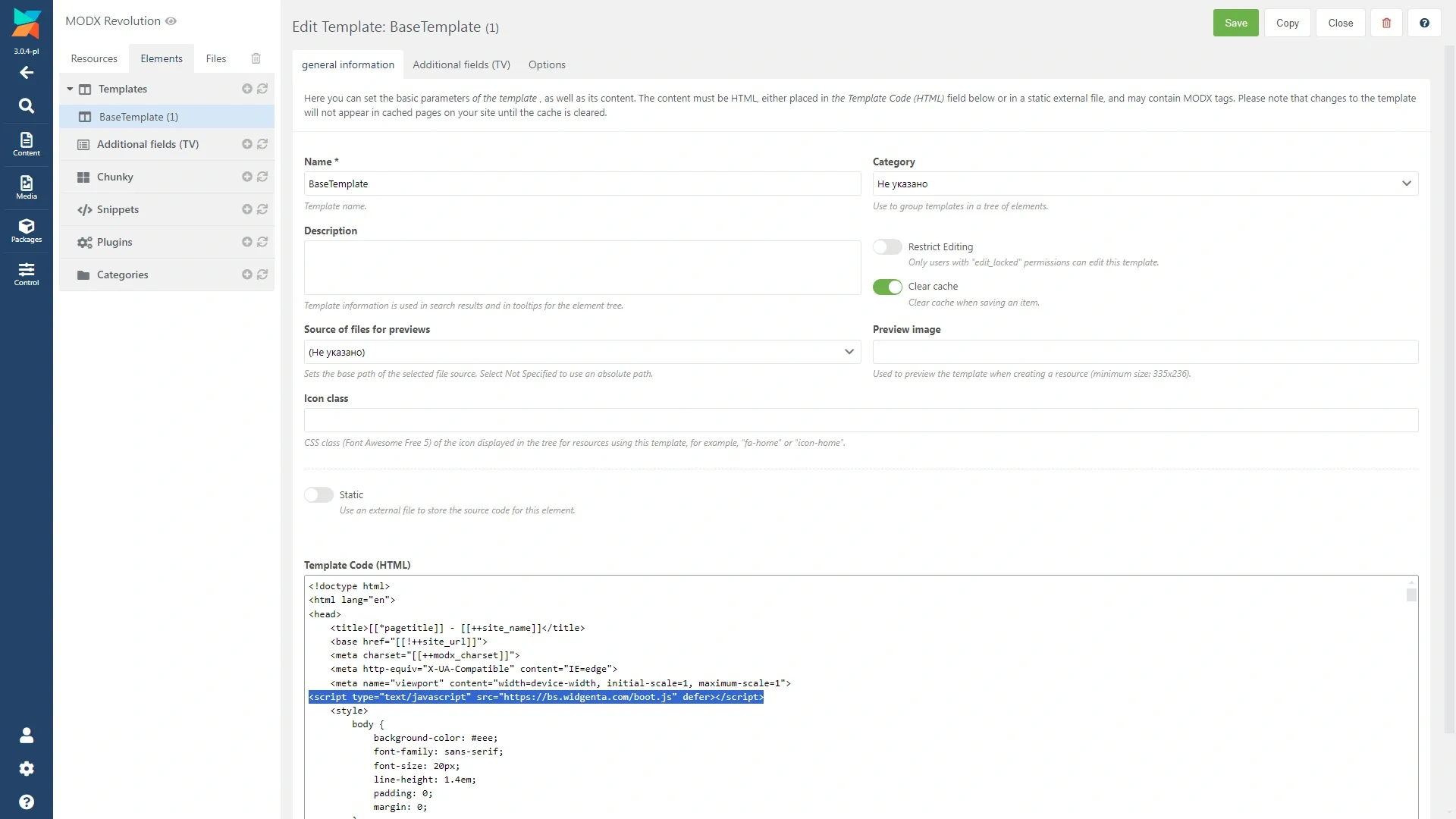
Go down the code below, look for the opening <body> tag and immediately after it insert the second part of the code from the Widgenta widget for <body>.

Save your changes.

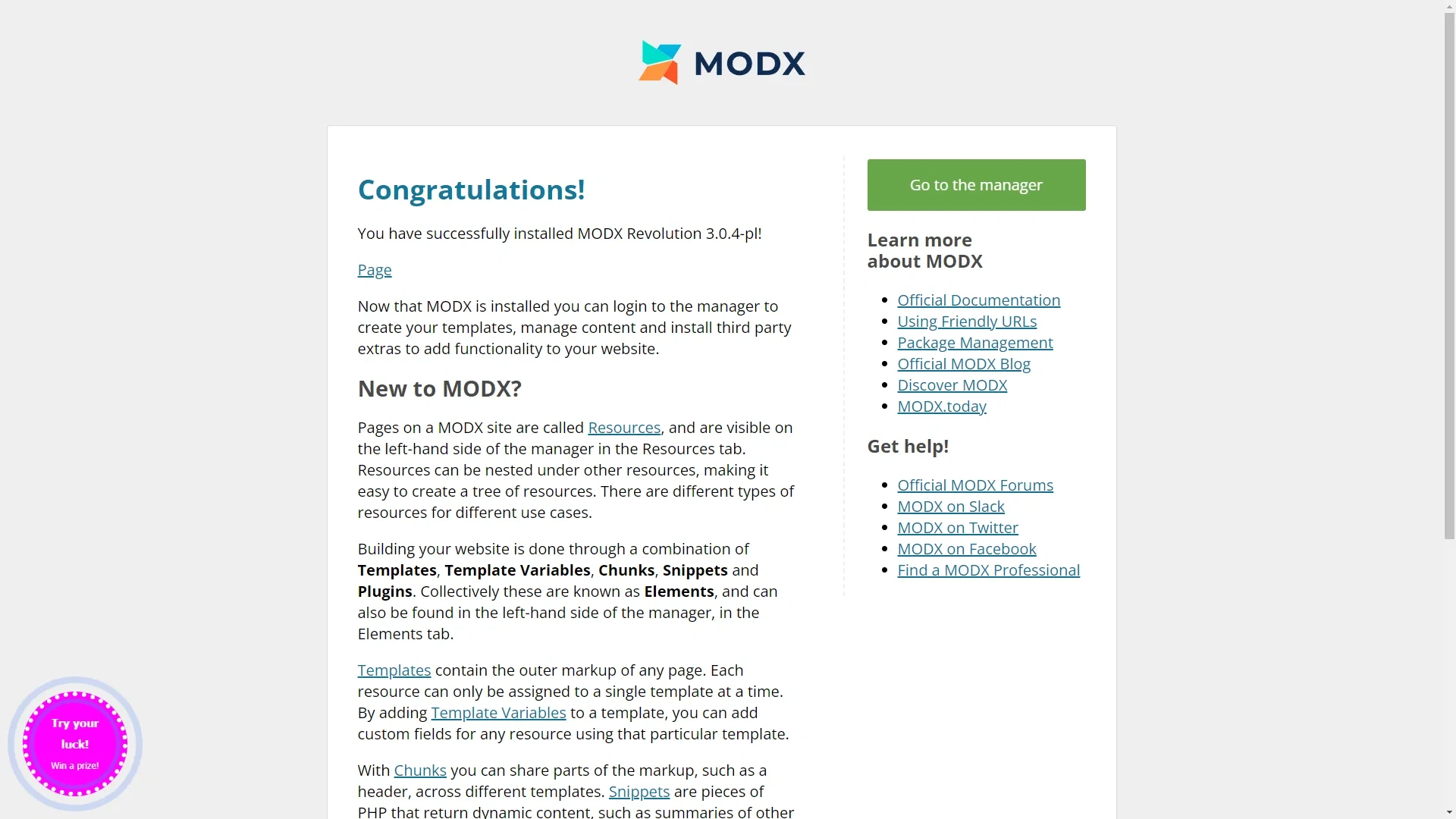
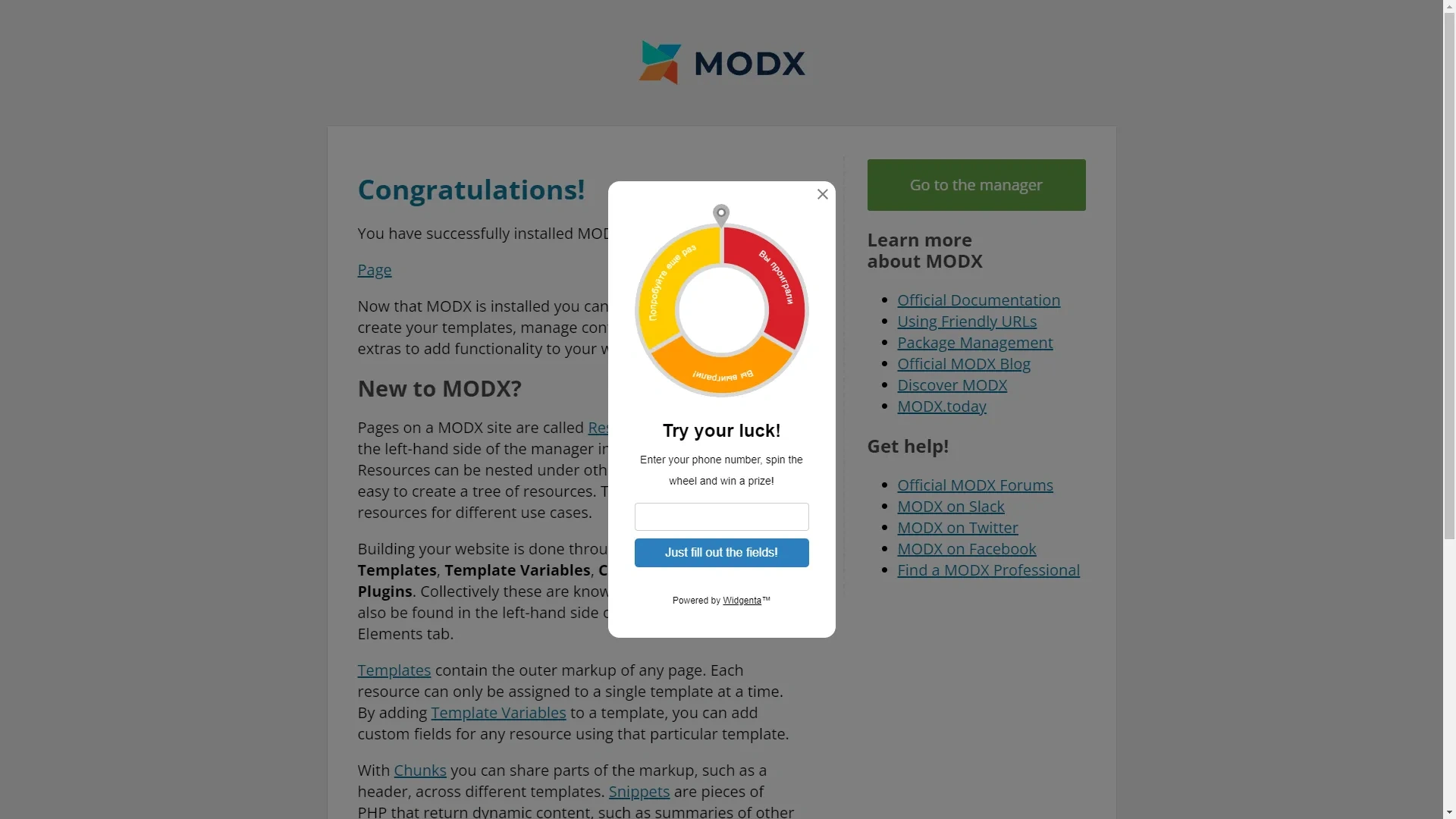
Go to the site and check for a working widget.
Widgenta widget placement on selected ModX site pages (one or more)
After creating, customizing and saving the widget, you have the code available for posting on your site.
Copy the first code for <head> and go to the ModX administration panel.
Go to the «Elements» tab and select your template.
At the bottom of the screen in the template code editing window, paste the first part of the code from the Widgenta widget for <head> before the closing </head> tag.
Go back to the Resources tab and click on the page where you want to place the Widgenta widget. Insert the second part of the code from the Widgenta widget for <body> anywhere in the page code.
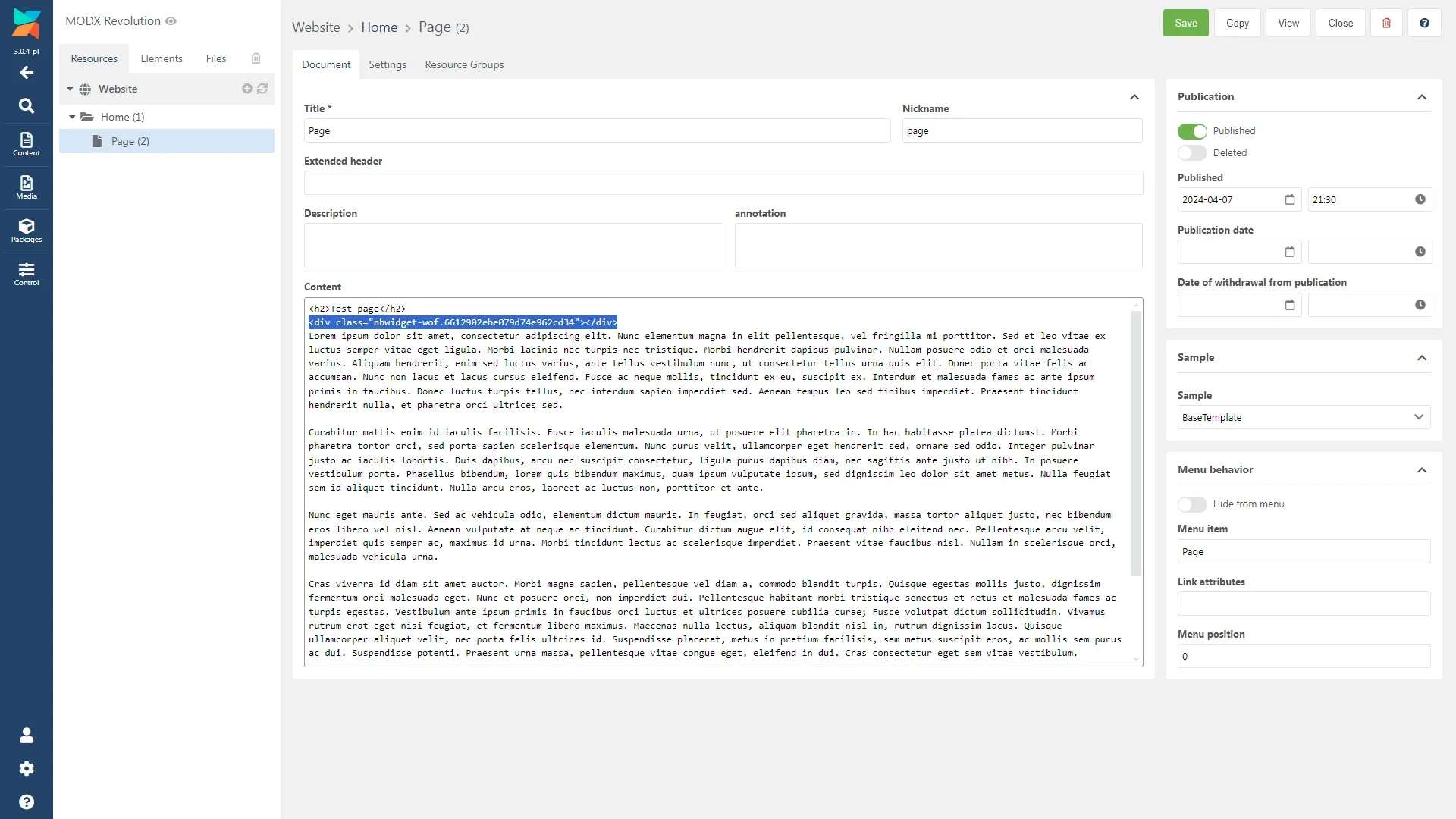
Go to the site and check that the widget is not present, since we placed it on the «Page» page.
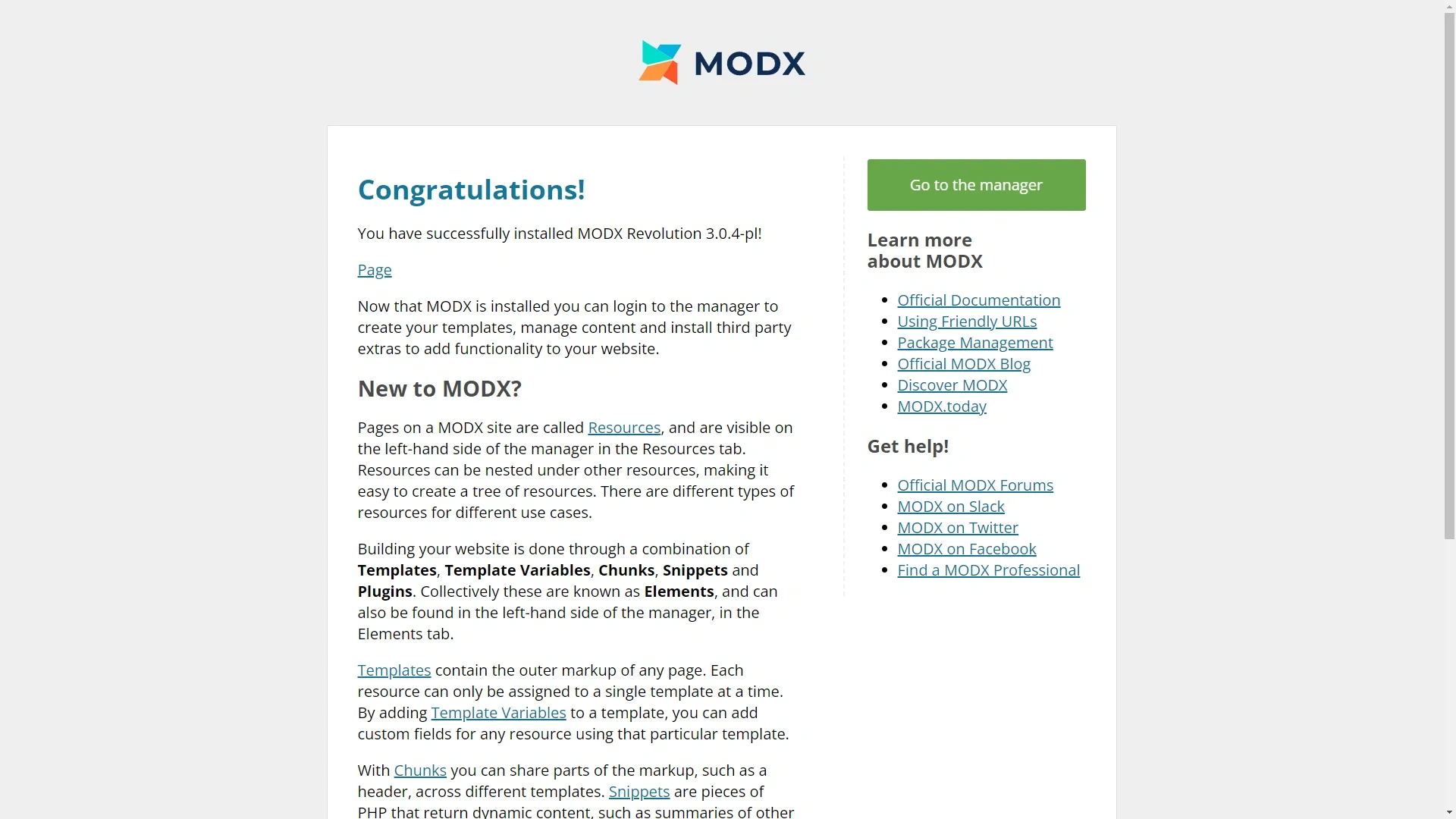
Go to the «Page» page and see the widget you have placed.