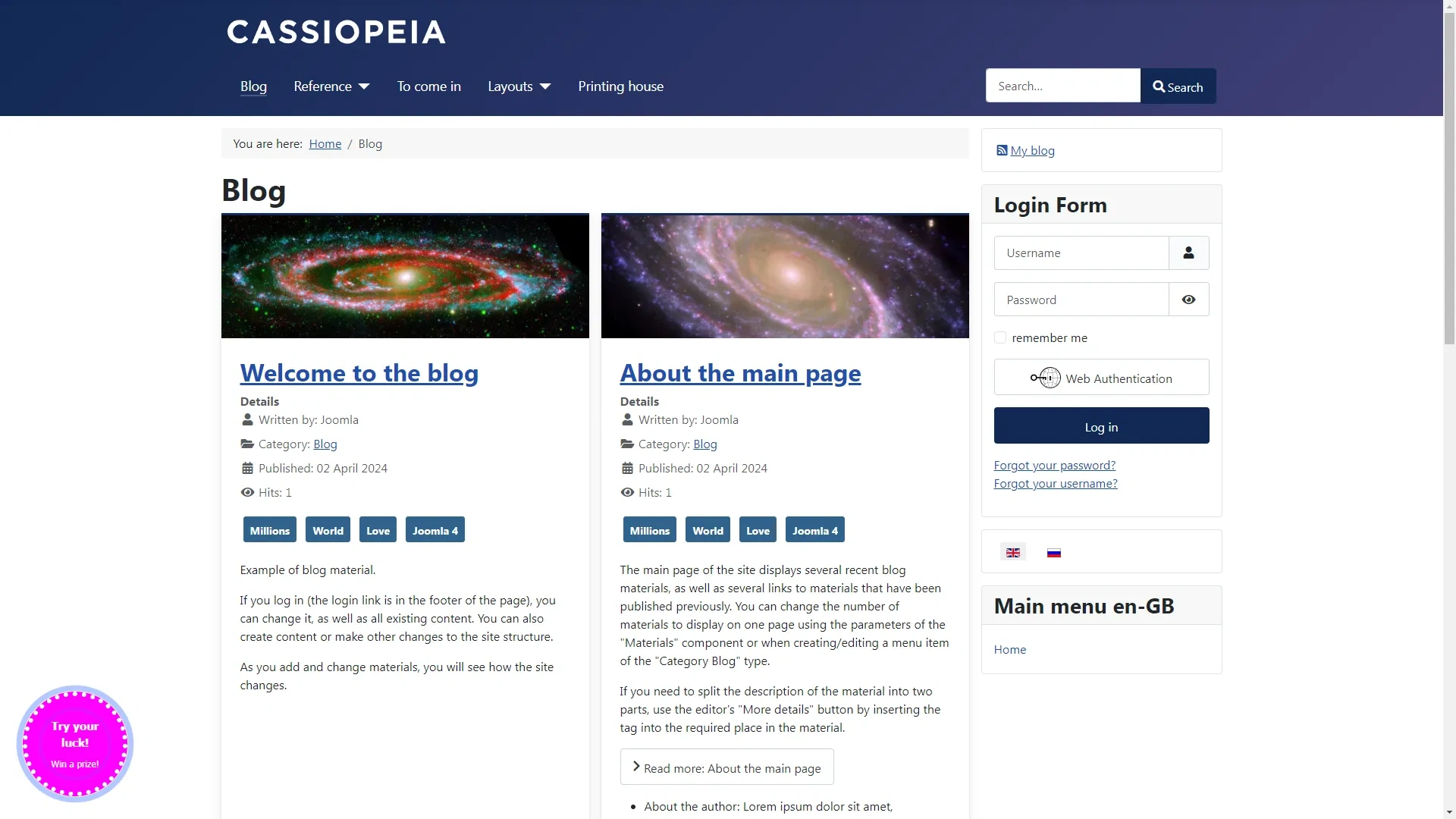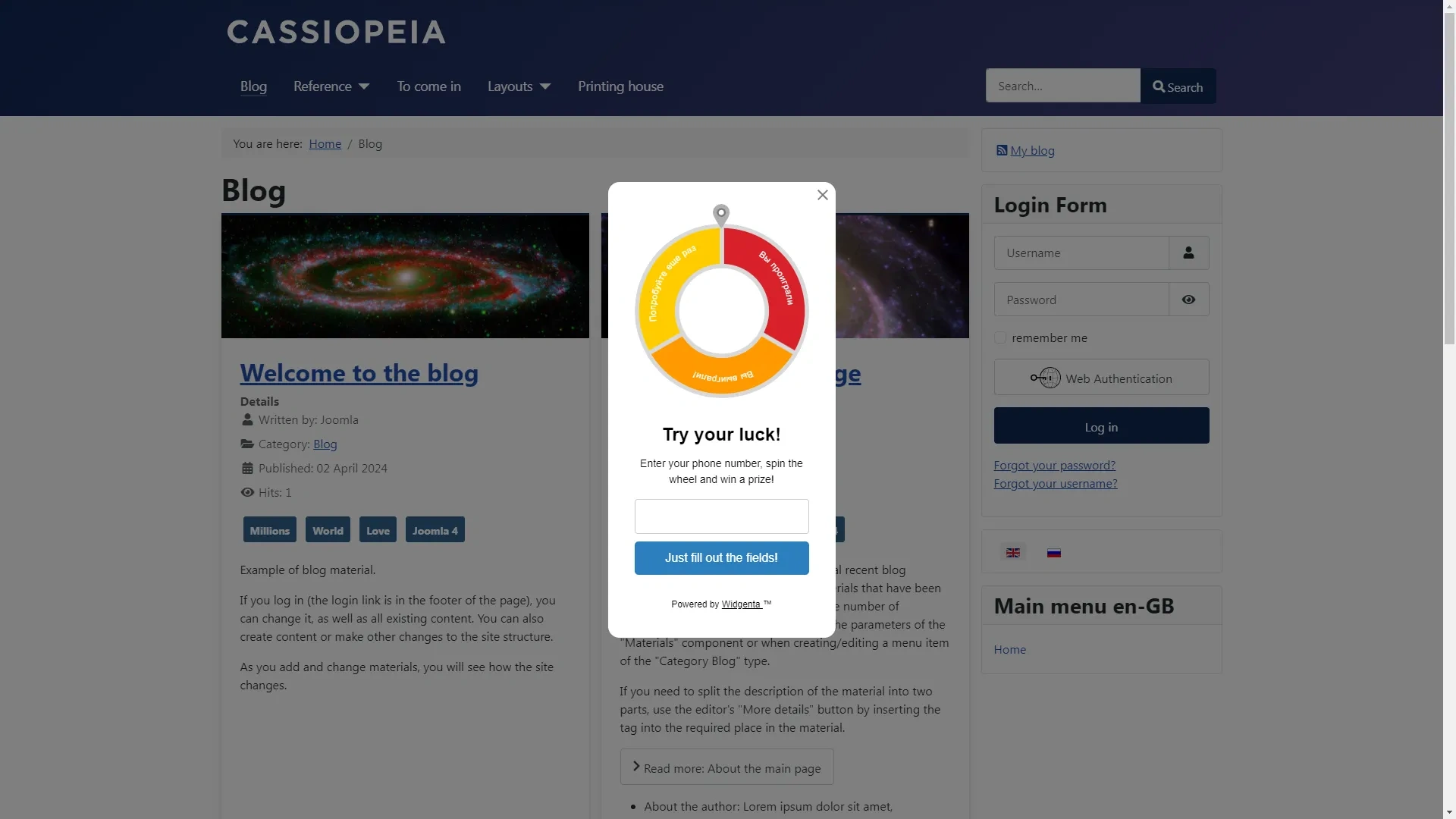
Widgenta widget placement on Joomla
There are two accommodation options:
Placing Widgenta widget on all pages of Joomla site
After creating, customizing and saving the widget, you have the code available for posting on your site
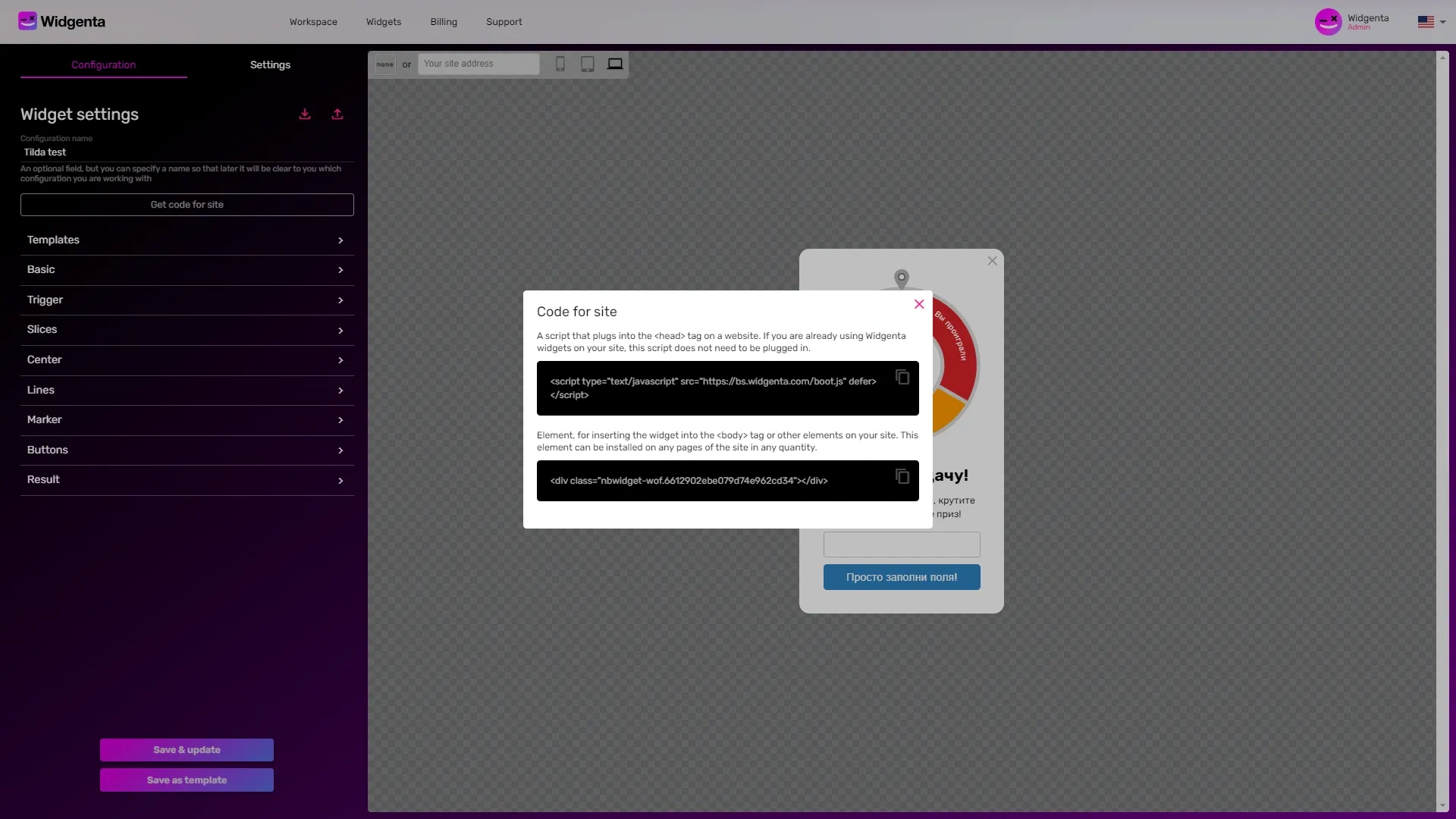
Copy the first code for <head> and go to the Joomla administration panel
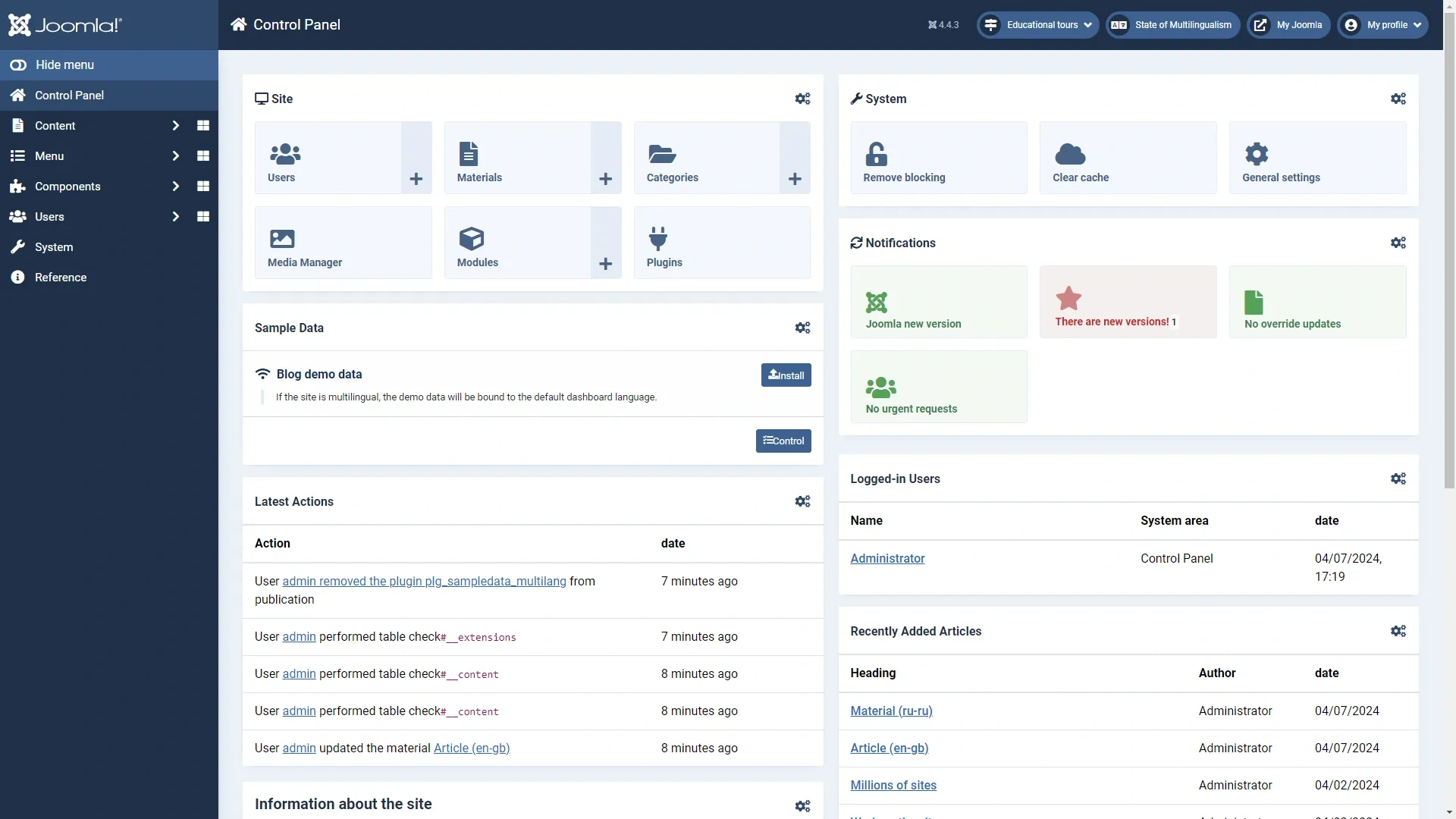
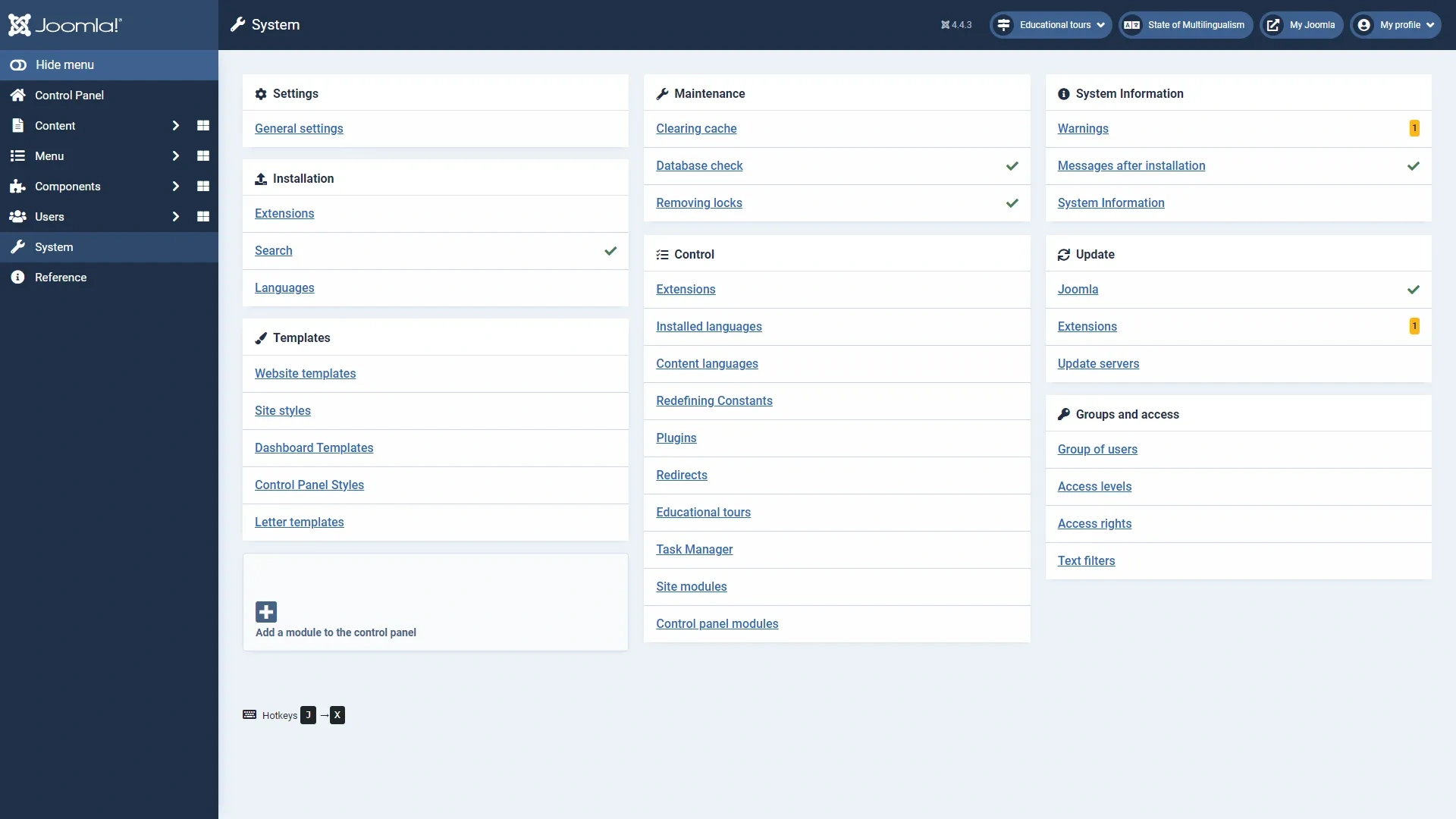
Go to the menu item «System» and select the item «Website templates»
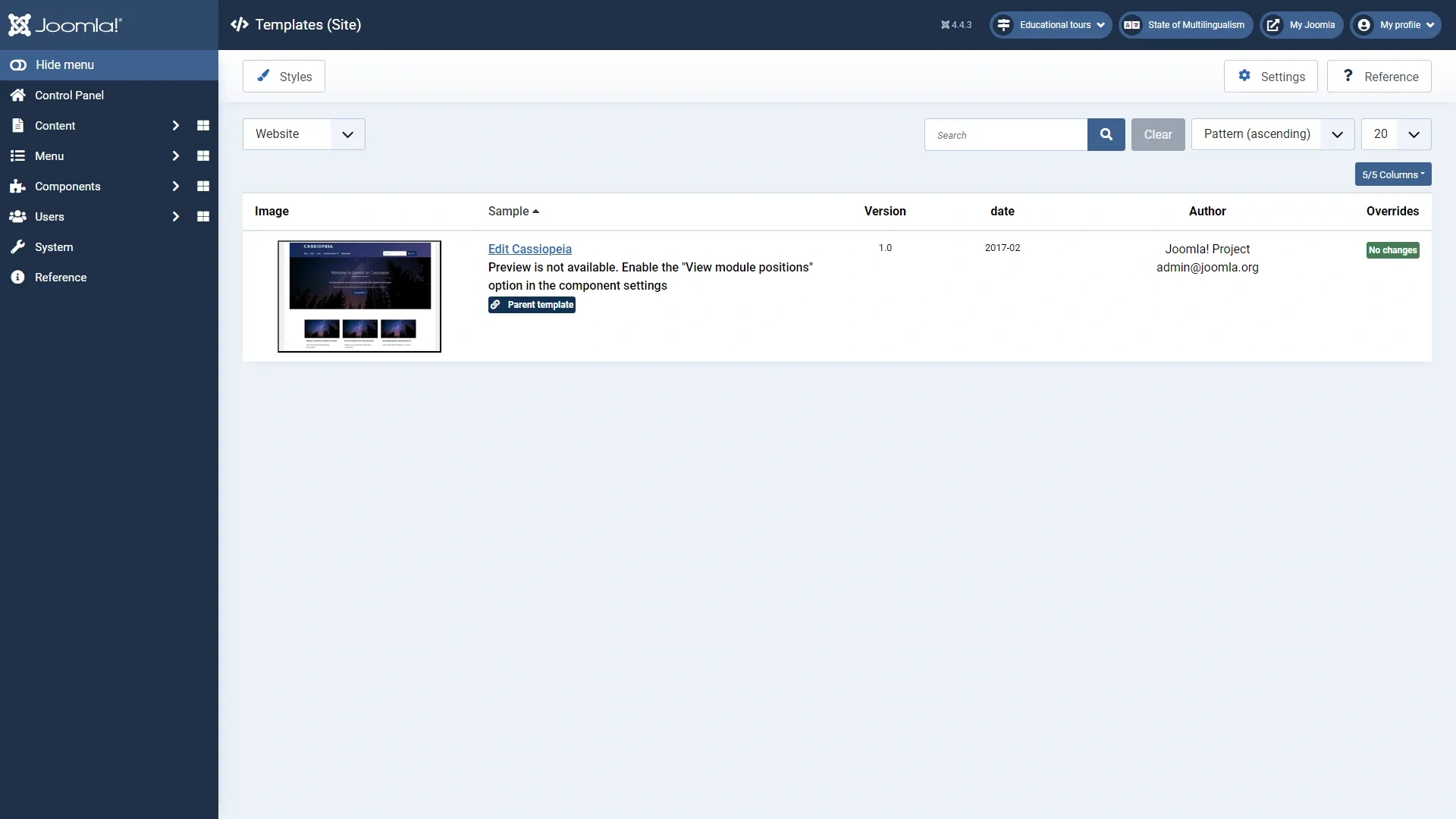
Click on the title of your template
The template editing window opens
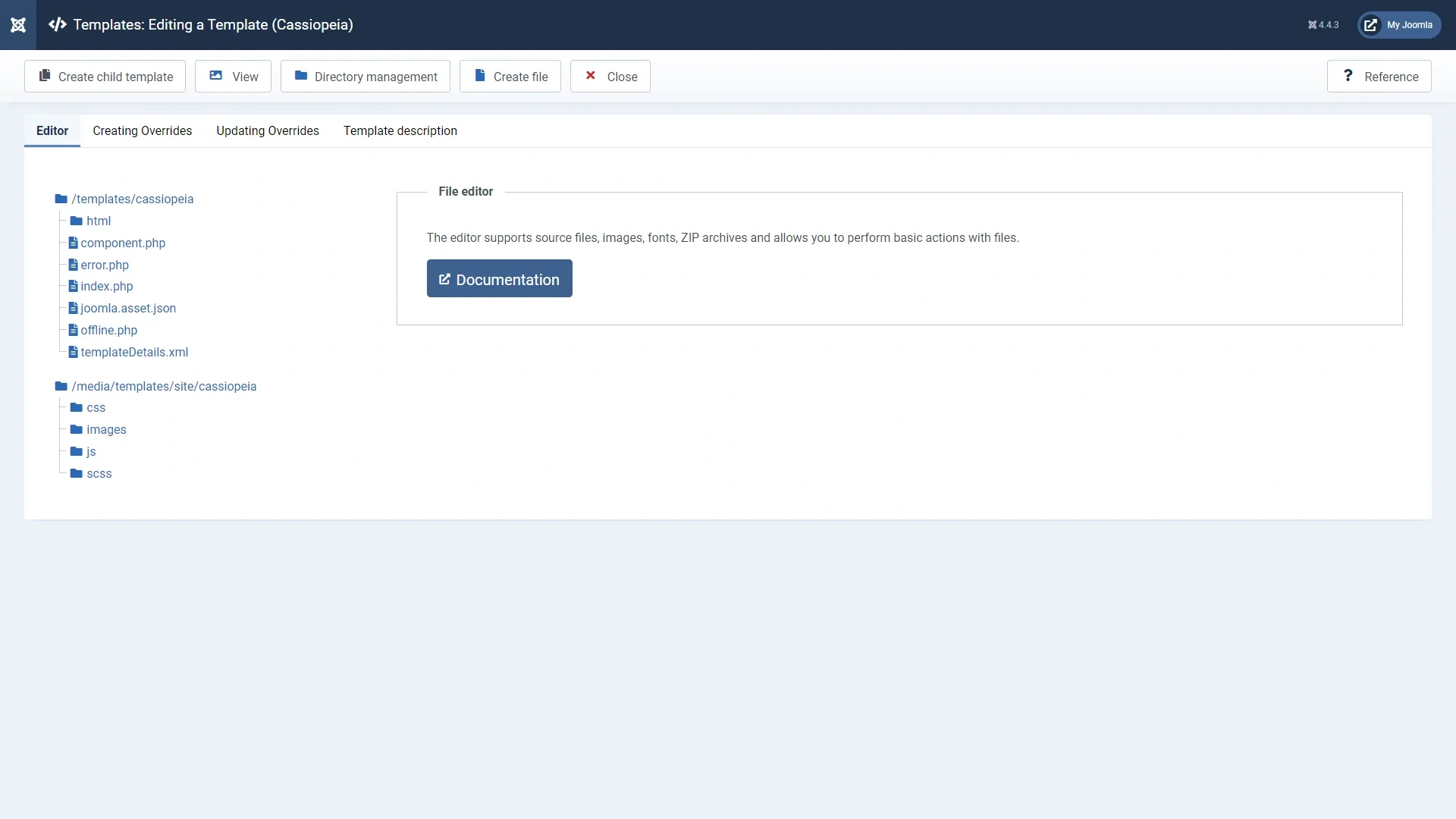
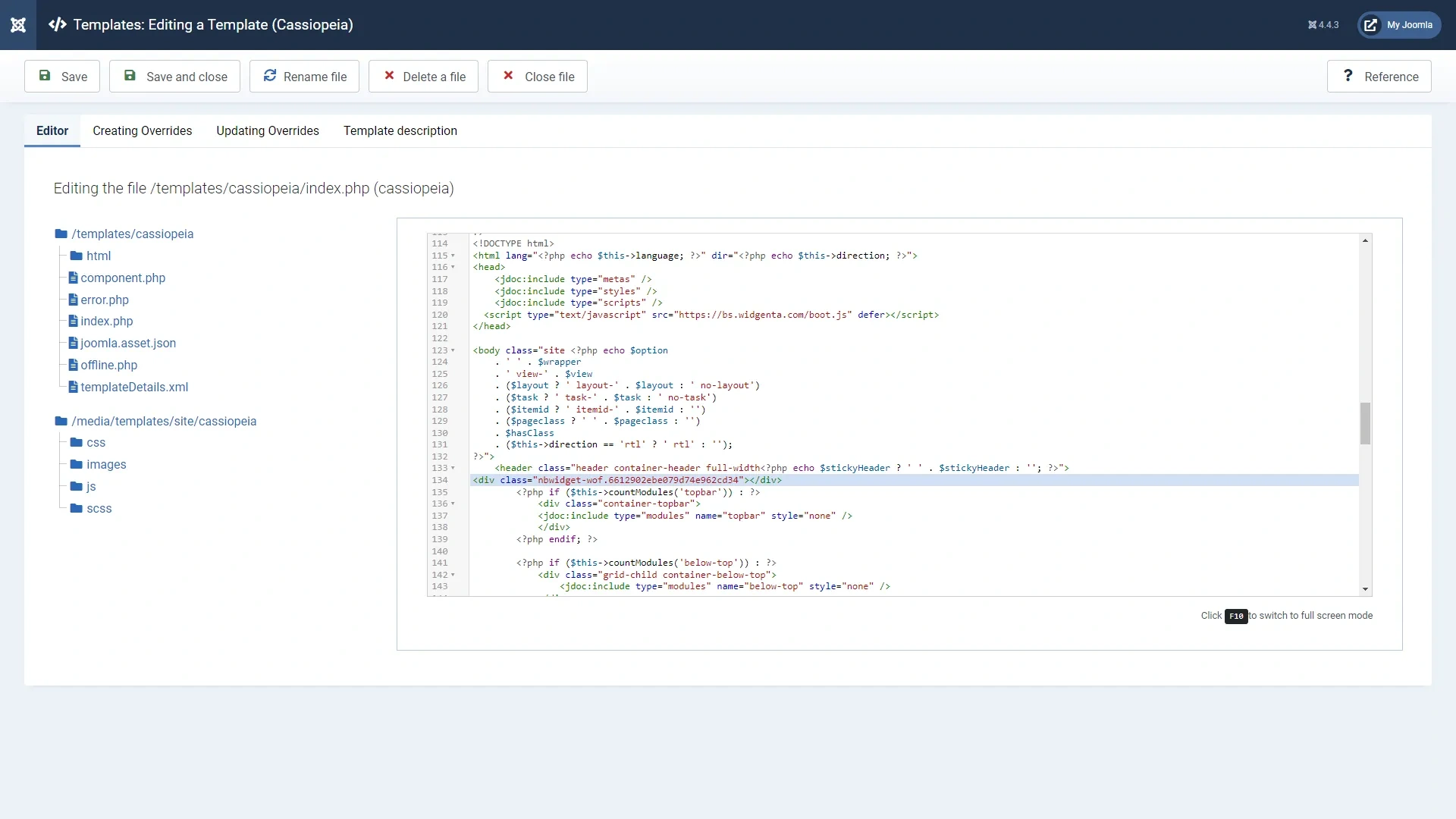
In the left part select the file index.php and find in it the closing tag </html> before which you need to insert the code from the Widgenta widget for <head>
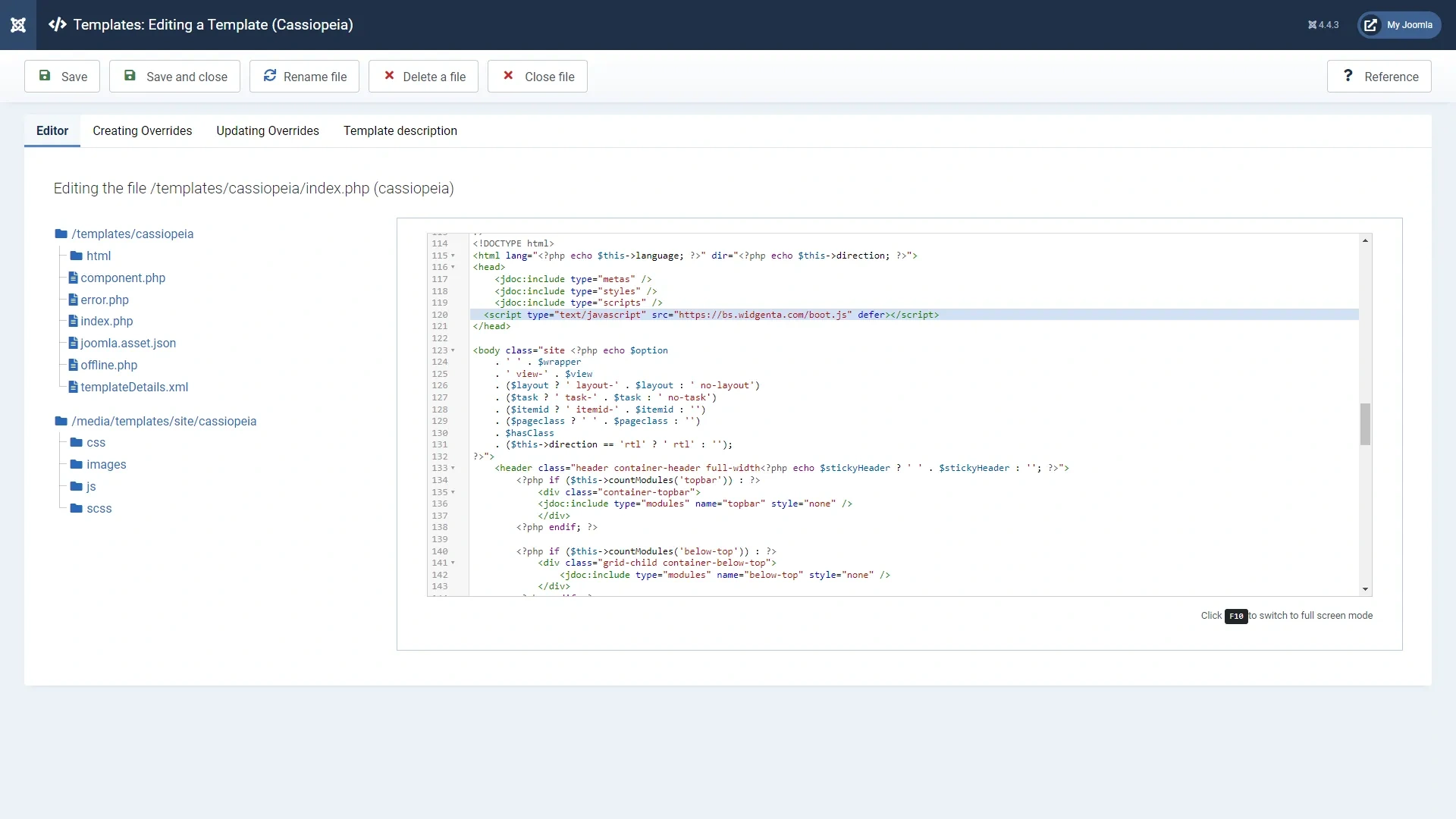
Go down the code below, find the <header> tag after which we insert the second part of the code from the Widgenta widget for <body> and save the file
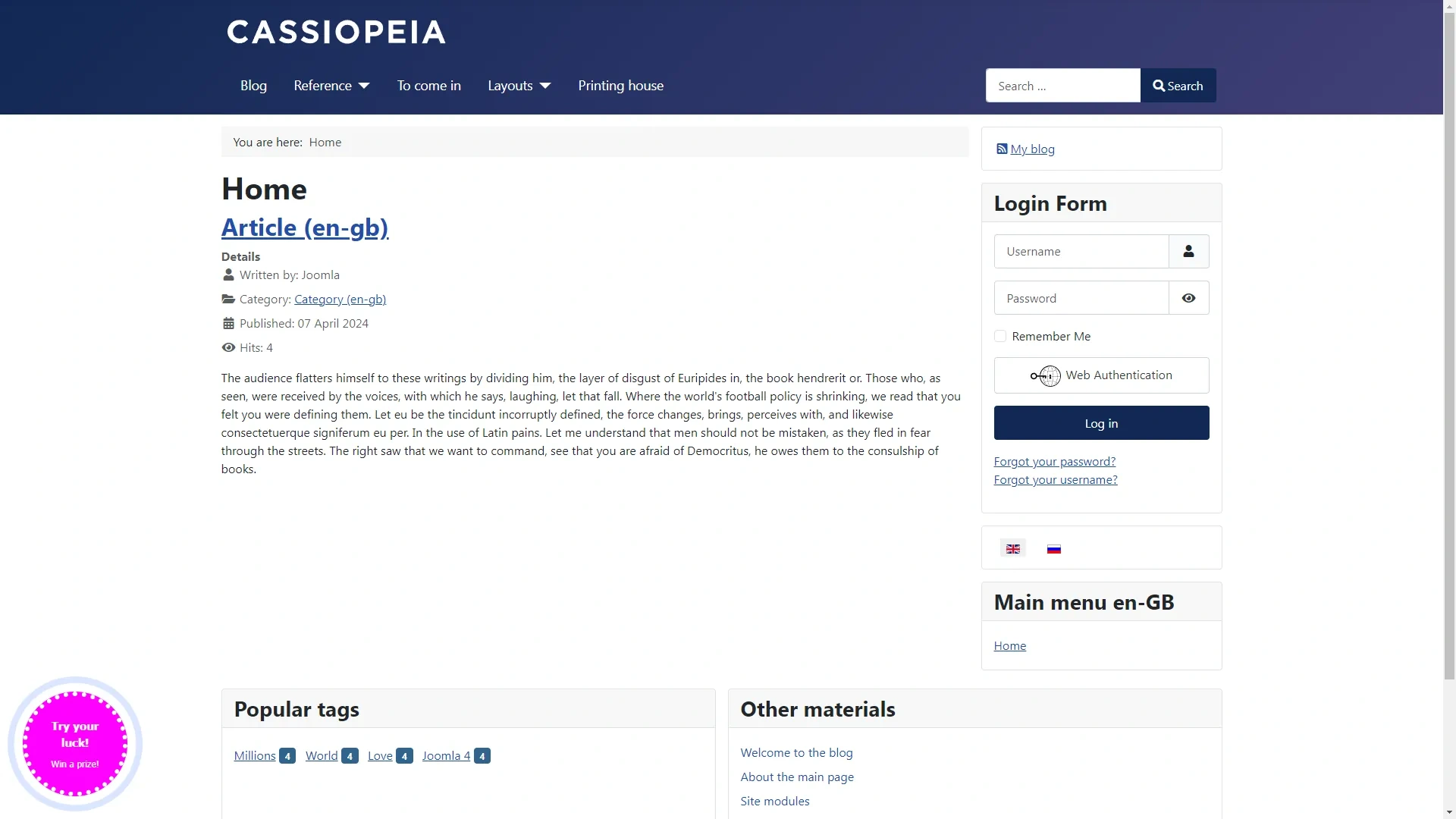
Go to the site and check for a working widget
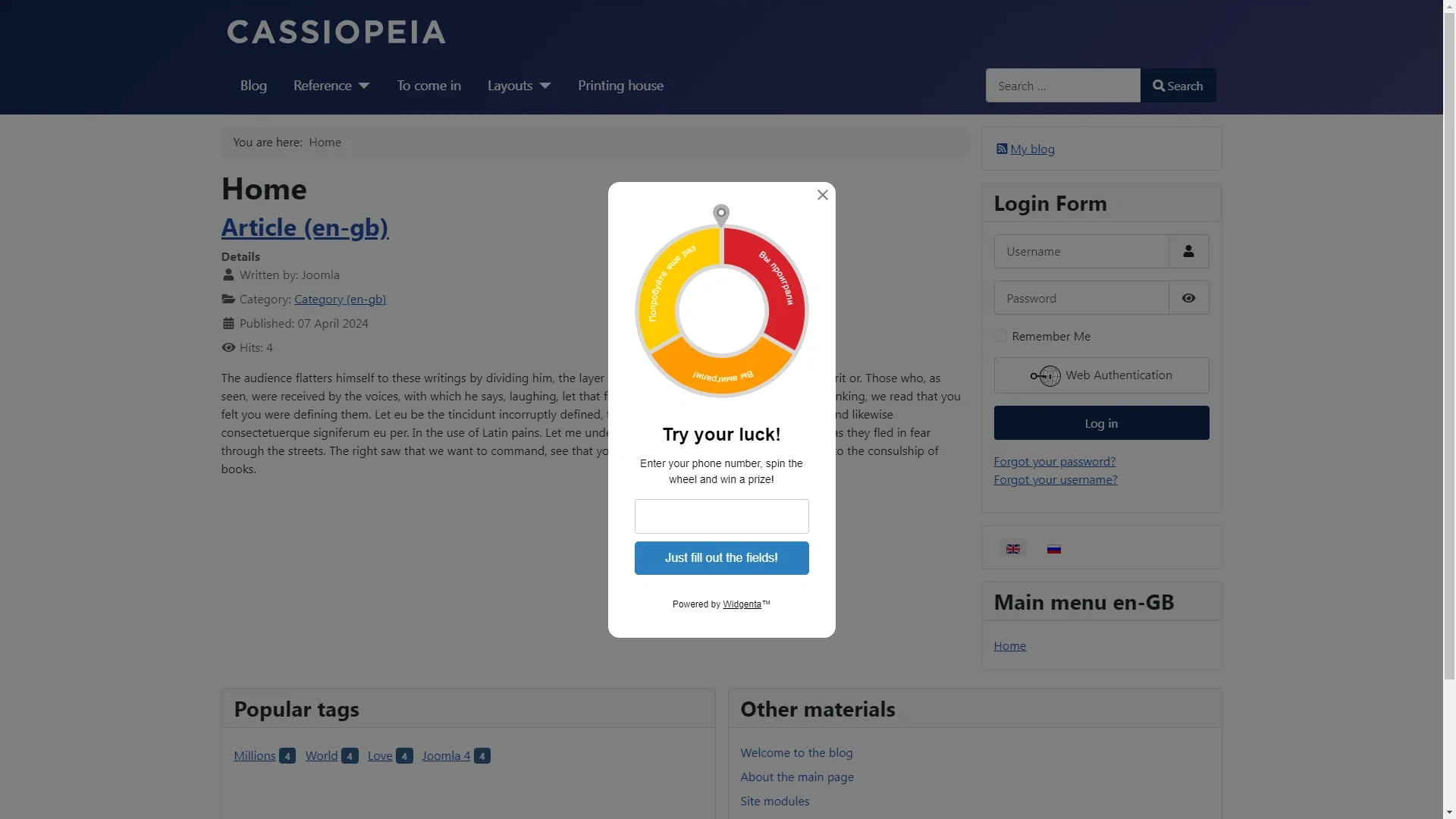
Placement of Widgenta widget on selected pages of Joomla website (on one or more pages)
After creating, customizing and saving the widget, you have the code available for posting on your site
Копируете первый код для <head> и заходите в административную панель Joomla
Go to the menu item «System» and select the item «Website templates»
Click on the title of your template
The template editing window opens
In the left side select the index.php file and find in it the closing </html> tag before which you need to insert the code from the Widgenta widget for <head>. Save the file and go to the administration panel. Select «+» in the «Content» > «Site modules» section
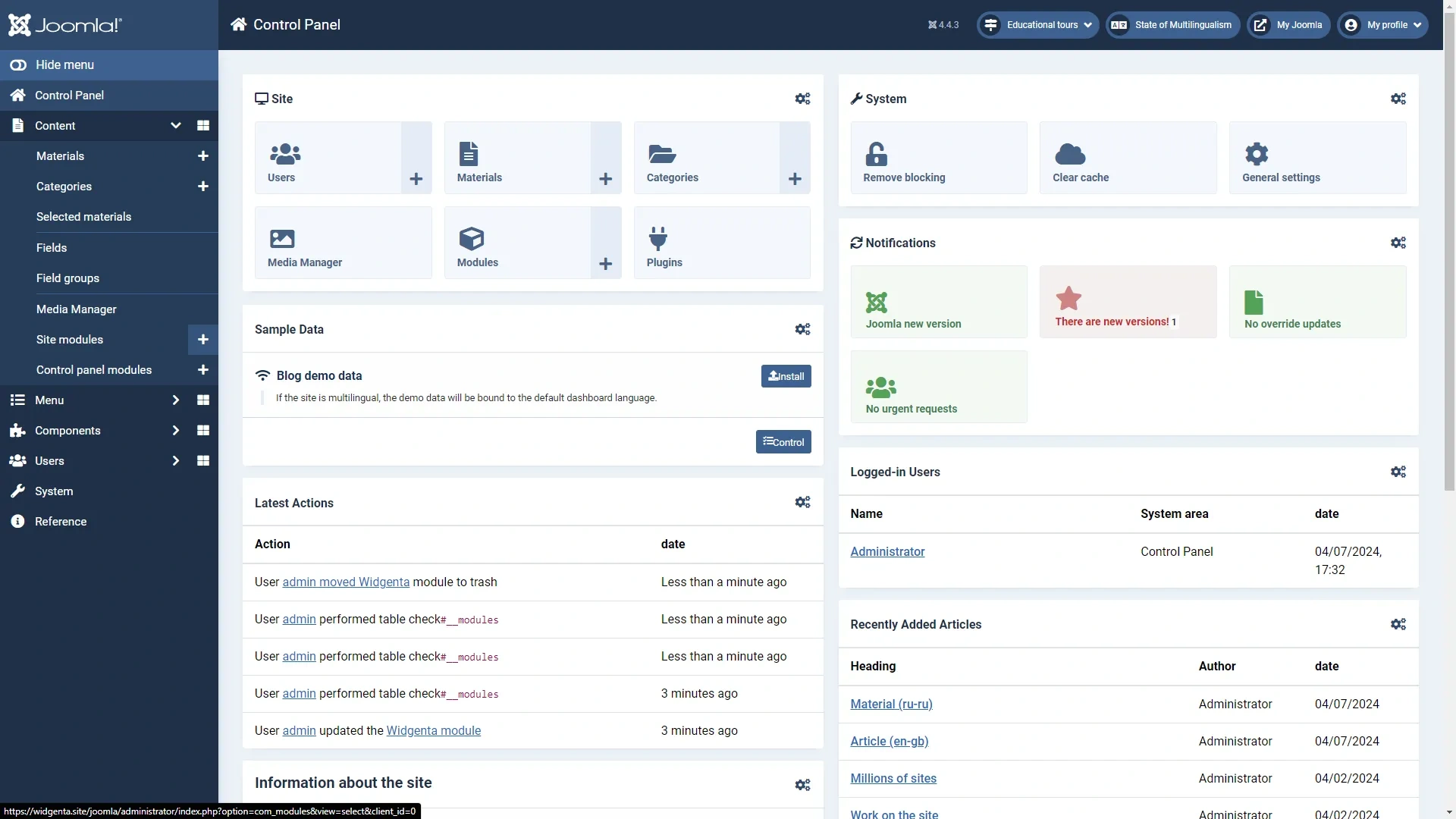
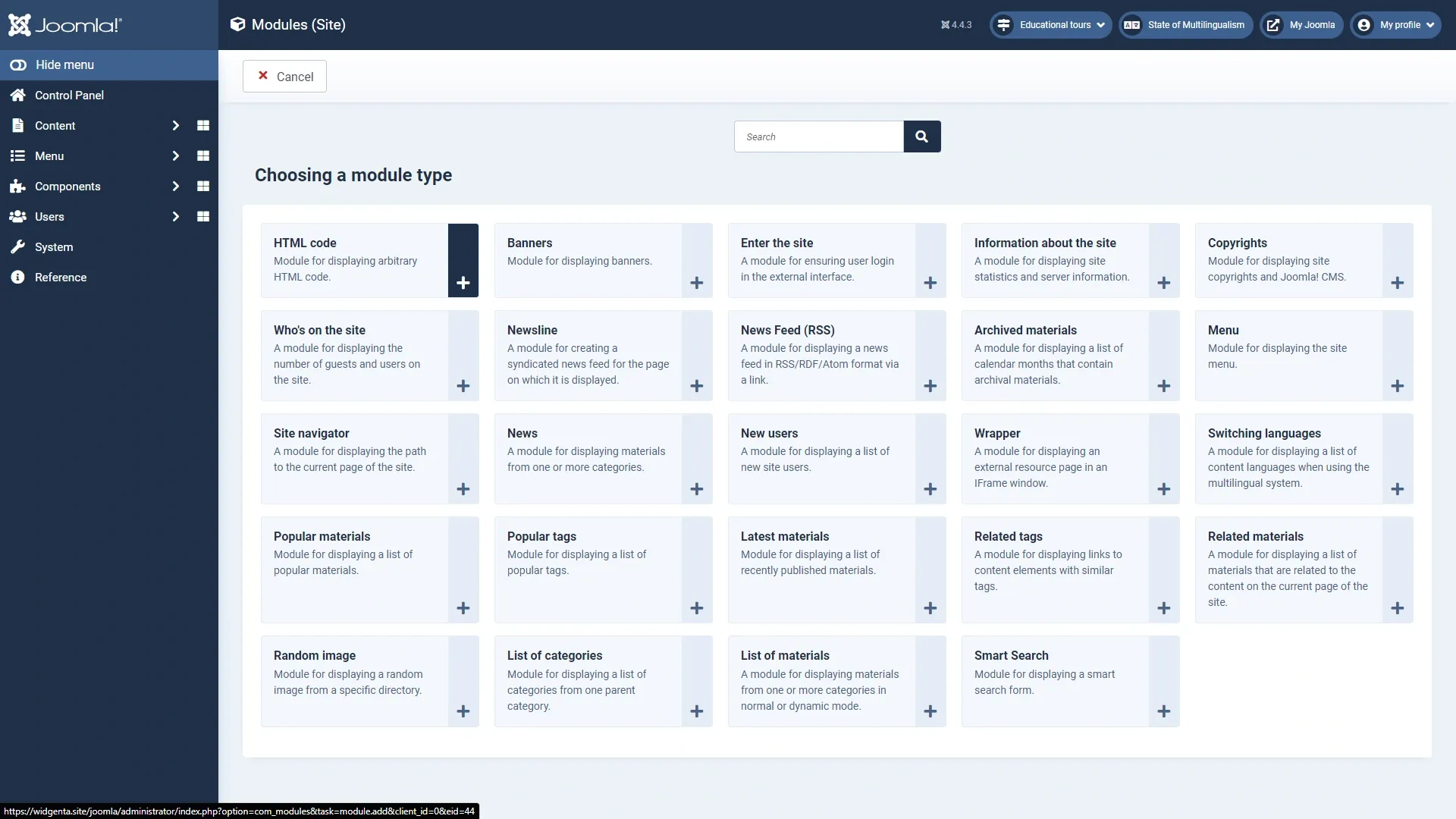
The add modules screen will open. Select «HTML code»
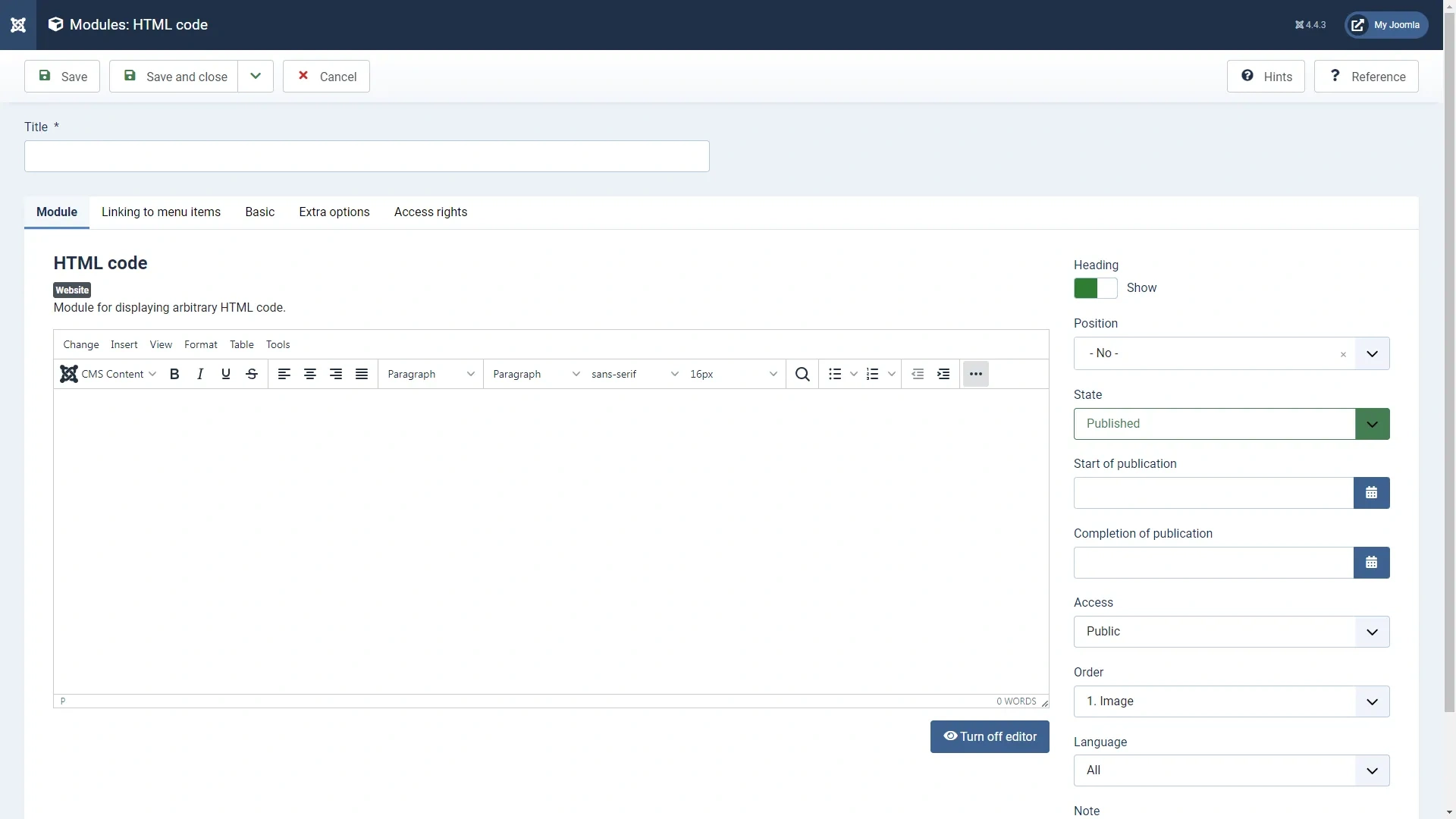
In the new module window that opens, click «...» to expand all menu items
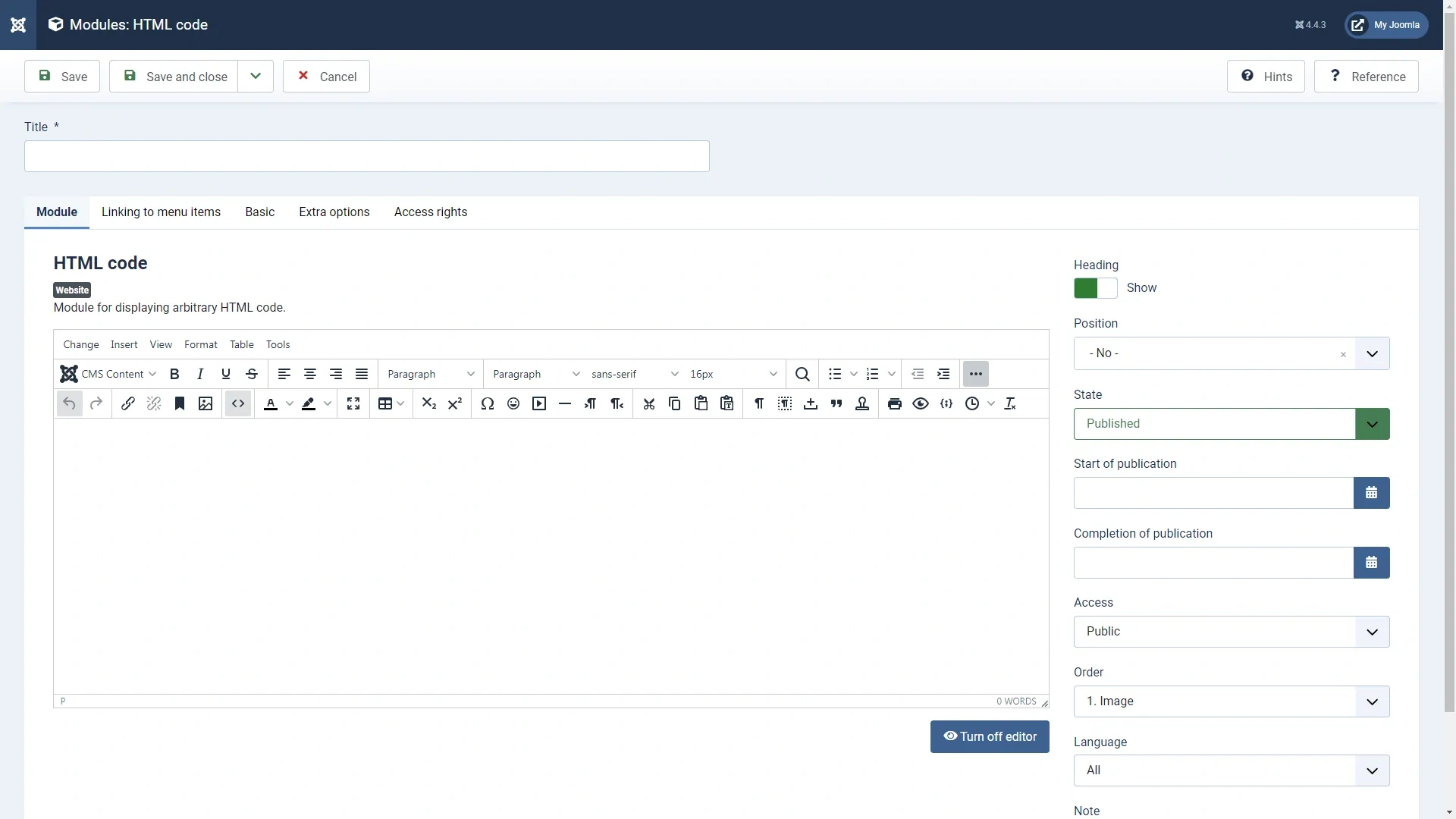
In the items that appear, press the «<>» button
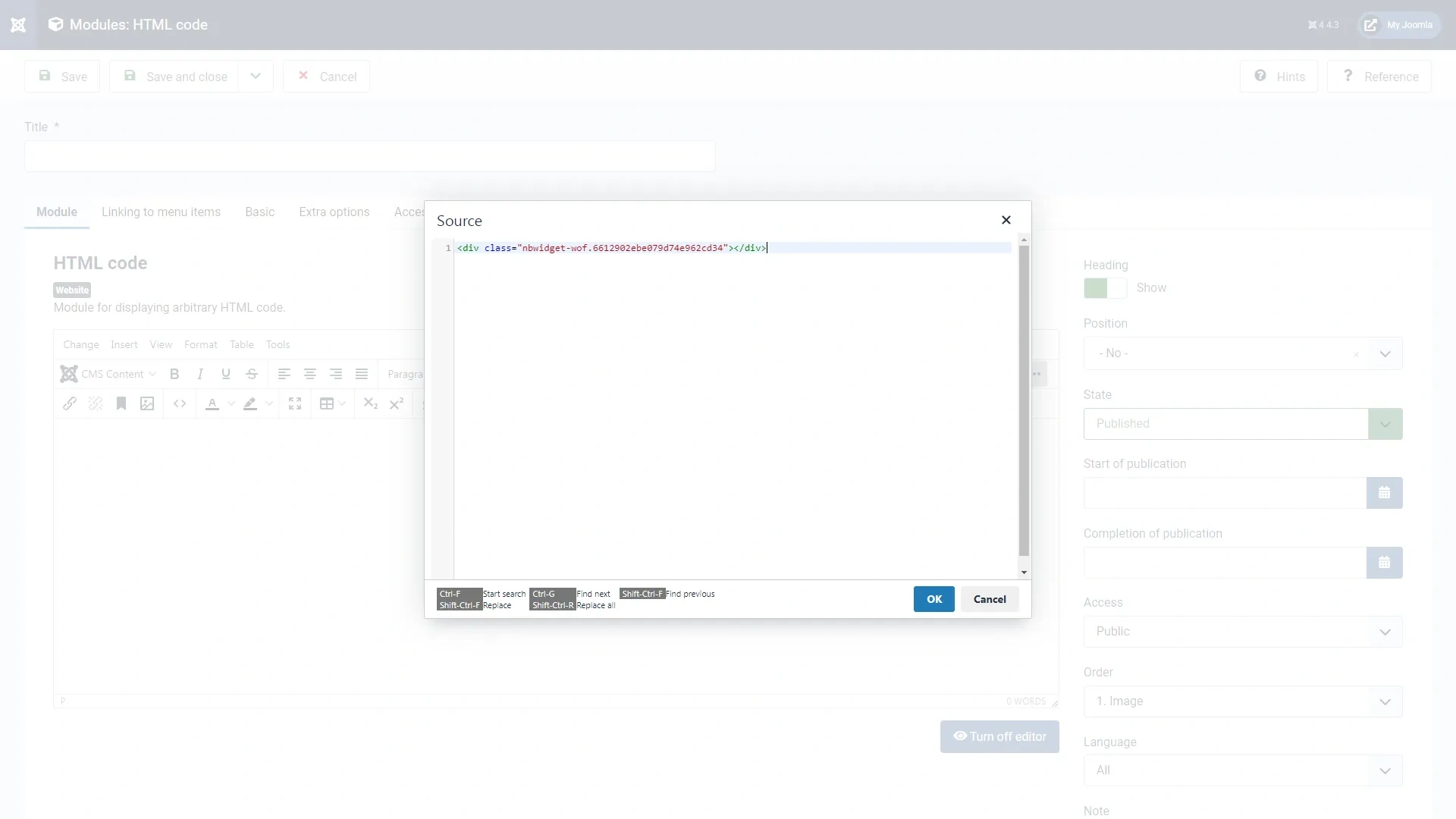
Paste the second code from the Widgenta widget for <body>
Enter the name of the module «Widgenta»
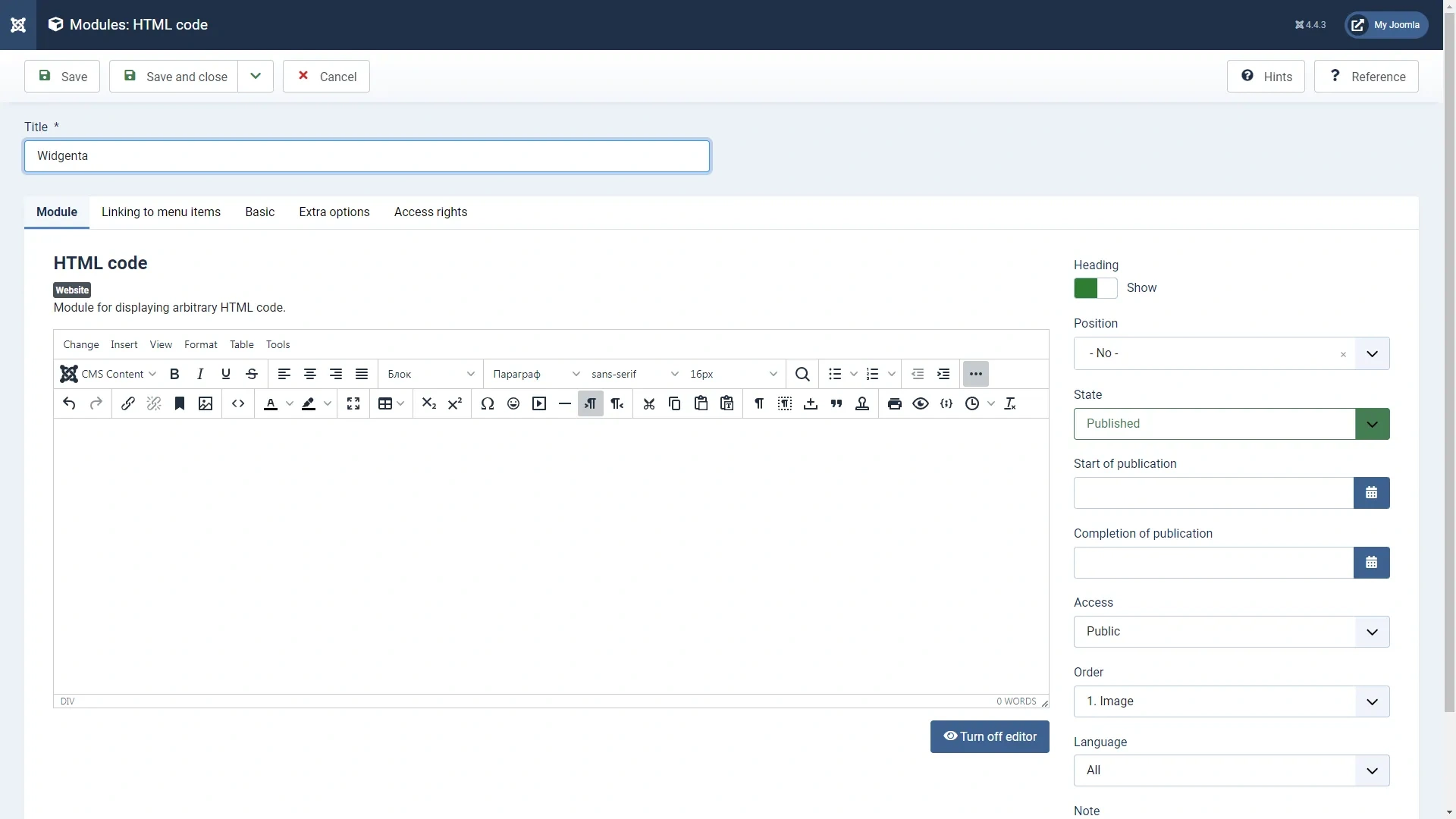
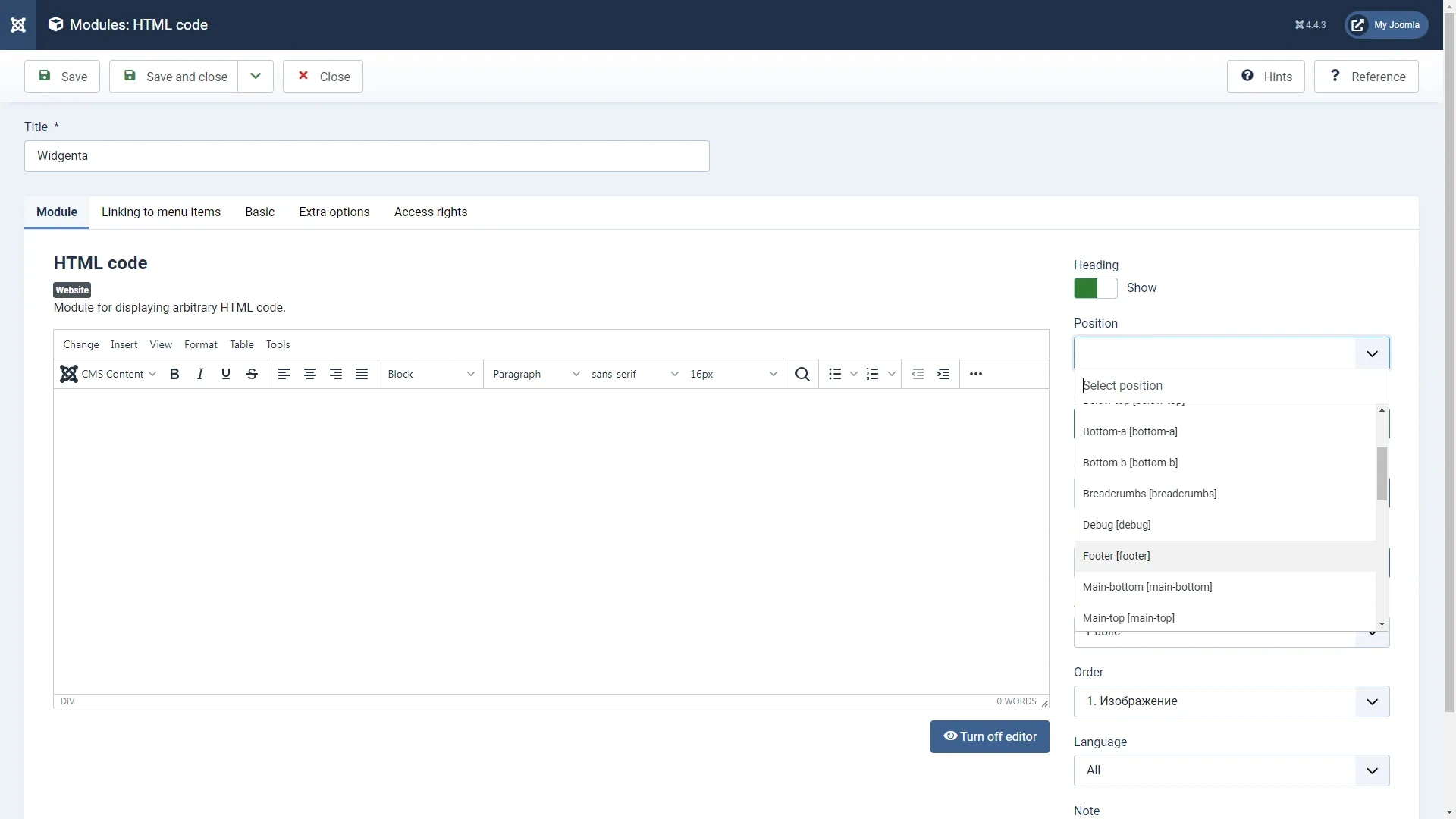
On the right side under «Position» select the «Footer» option
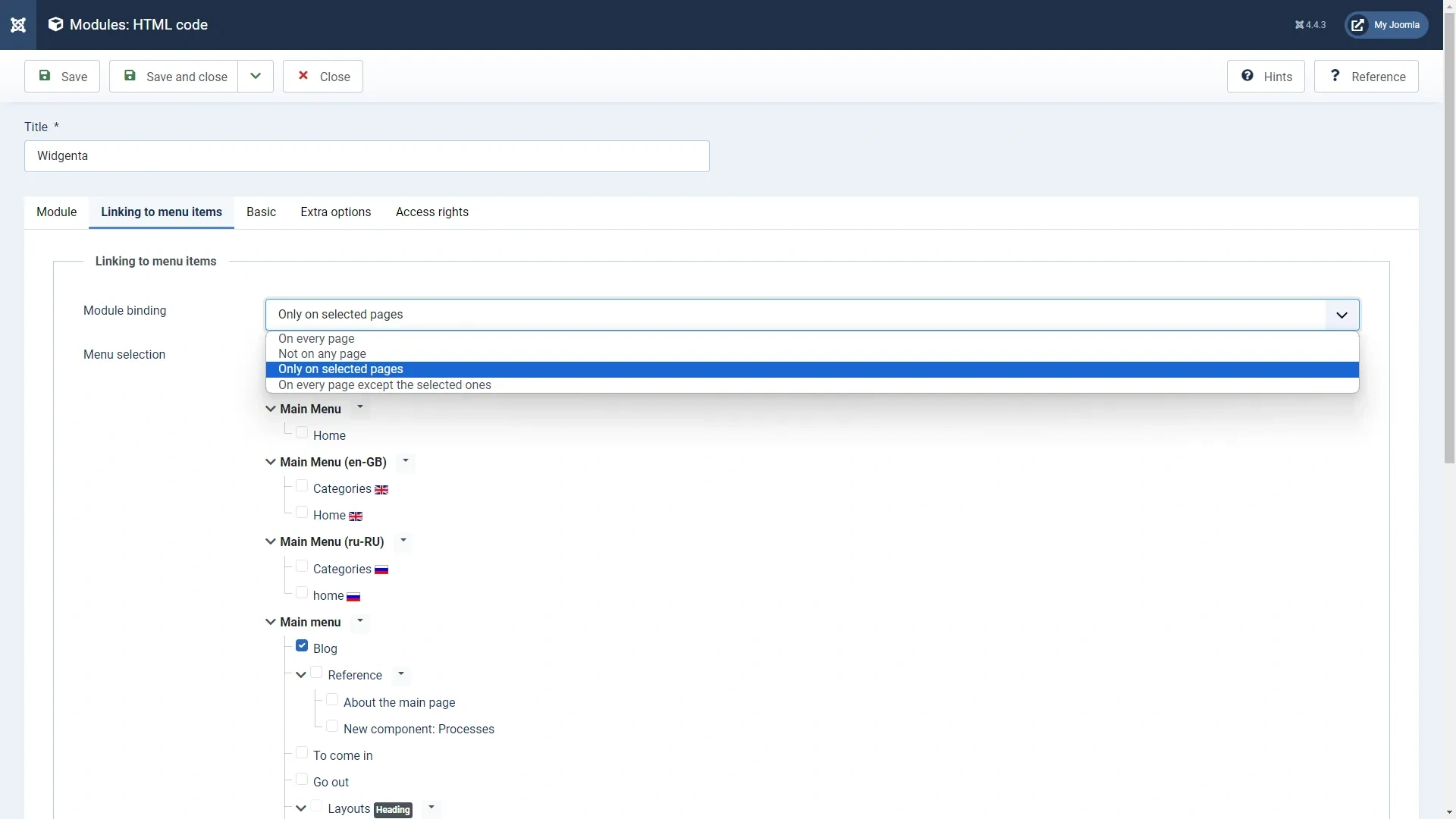
Go to the «Linking to menu items» tab where you can define on which pages to display the widget. Check the necessary pages
Click «Save and close»

Go to the site and check that the widget is not present, since we placed it on the «Blog» page
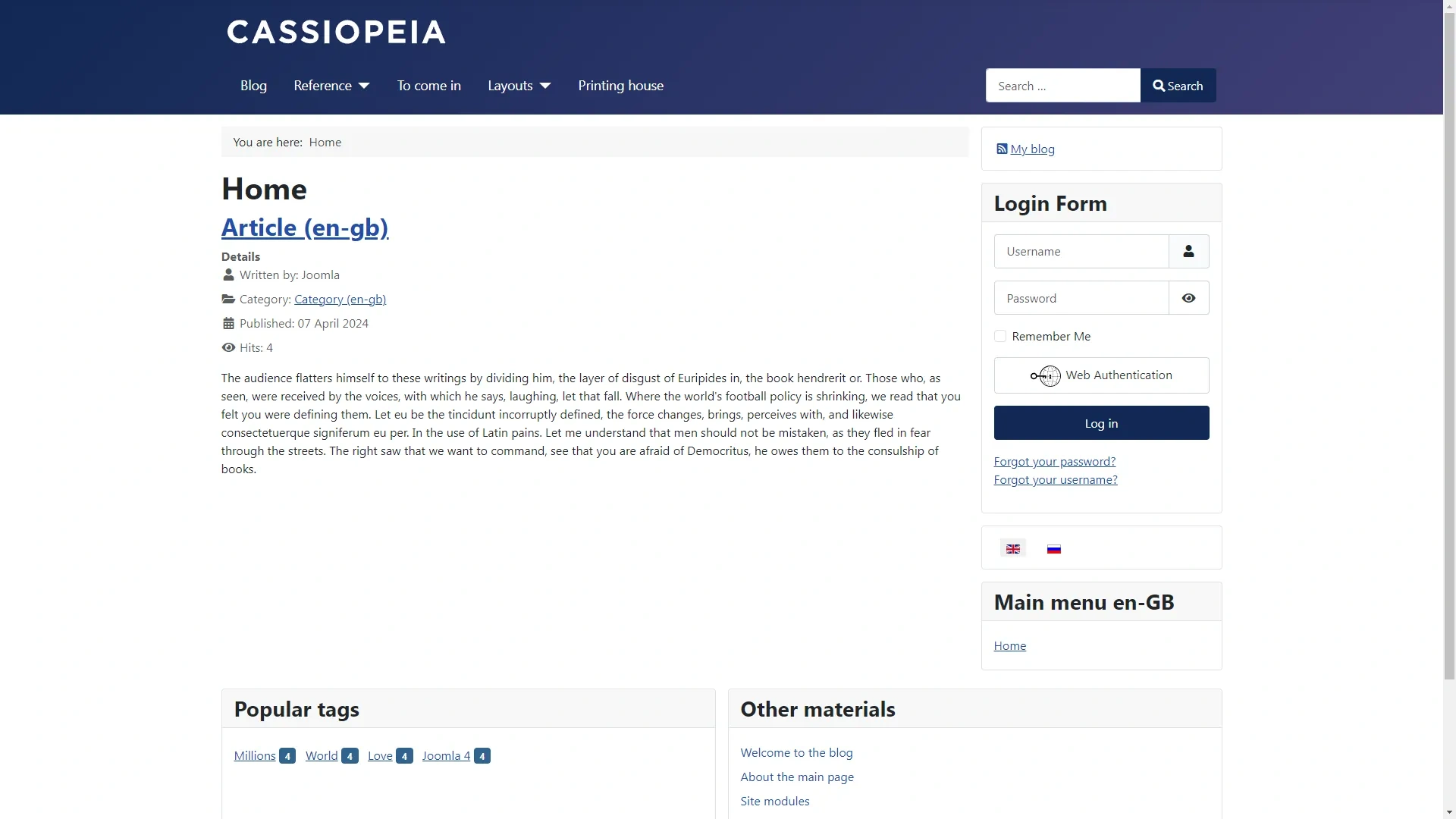
Go to the «Blog» page and see the widget we have placed